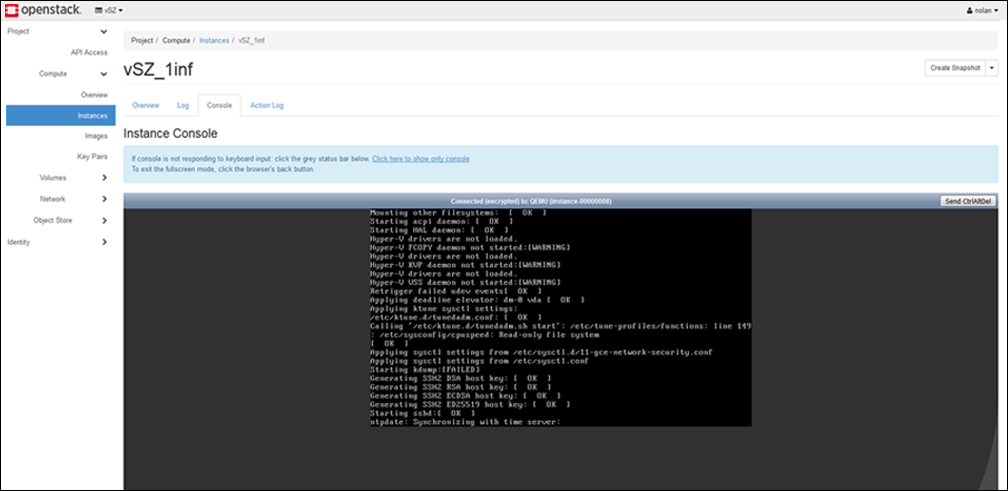
Setting up a vSZ Cluster
To setup a vSZ Cluster:
- From the homepage, click
.
The Instances page is displayed.
- Click the Console tab.
- Follow the vSZ setup as explained in
Using the Setup Wizard to Install vSZ.
Note: Always use DHCP in the vSZ system to avoid network issues.Linux PC uses the private key to connect to the vSZ console.
ssh -i test.pem admin@192.168.66.203
The authenticity of host '192.168.66.203 (192.168.66.203)' can't be established.
ECDSA key fingerprint is SHA256:B7d9OMnrTEU6xD90pGuZ4qHWDZpqGJNQ61xt7citmkU.
ECDSA key fingerprint is MD5:85:c2:44:34:52:af:83:e1:8f:6f:af:46:6f:a8:20:97.
Are you sure you want to continue connecting (yes/no)? yes
Warning: Permanently added '192.168.66.203' (ECDSA) to the list of known hosts.
################################
#       Welcome to vSZ         #
################################
admin@192.168.66.203's password: