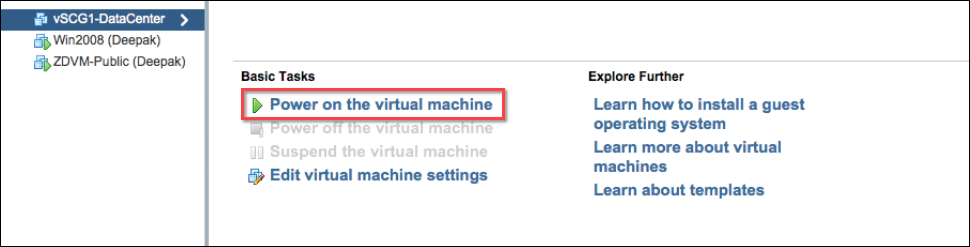
Powering on the vSZ virtual machine
The next step is to power on the vSZ virtual appliance.
- From the list of virtual machines on the host, click the vSZ instance.
- Under Basic Tasks, click Power on the virtual machine.
- Open a console window to monitor the startup process. To do this, click the
Action menu, and then click Open Console.After the vSZ completes its startup process, you are ready to perform the initial IP address setup of the vSZ. You will use the console connection to perform this task.