Extracting the vSZ Image
The vSZ image for a kernel-based virtual machine (KVM) is distributed in QCOW2 format.
- Obtain the vSZ image in QCOW2 format.
- Copy the image to the KVM.
- Open the terminal window.
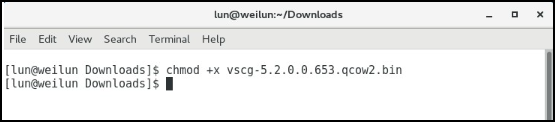
- Make the image bin file
executable by entering the following command:
chmod +x {file name of the
                     						controller QCOW2 bin}
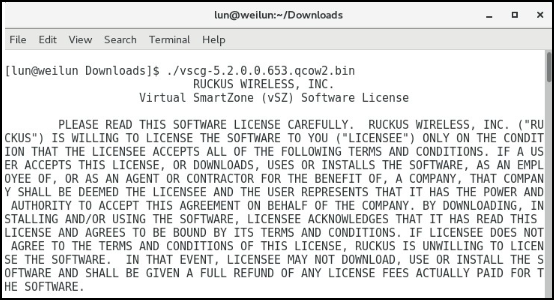
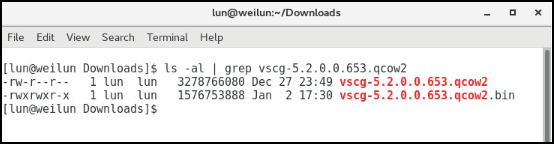
See Figure for an example. - Extract and install the contents of the QCOW2 bin file.
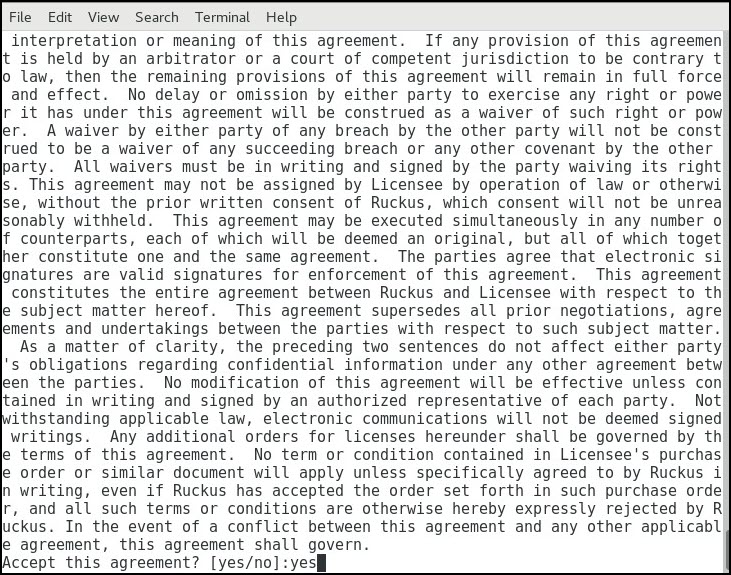
- At the Accept this agreement? [yes/no] prompt, enter yes.
- Resize the vSZ disk image, if necessary. By default, the vSZ disk size is 50GB. If
you want to allocate more disk space to the vSZ, run the qemu-img command. The complete
syntax is as follows:
qemu-img resize {file name of the controller QCOW bin} +size