Creating a Network Security Group
An Azure network security group is used to
filter network traffic between Azure resources in an Azure virtual network. A network
security group contains security rules that allow or deny inbound network traffic
to, or
outbound network traffic from, several types of Azure resources. For each rule,
you can
specify source and destination, port, and protocol.
- Go to the Azure services dashboard, search for Network Security groups, and click on the service.
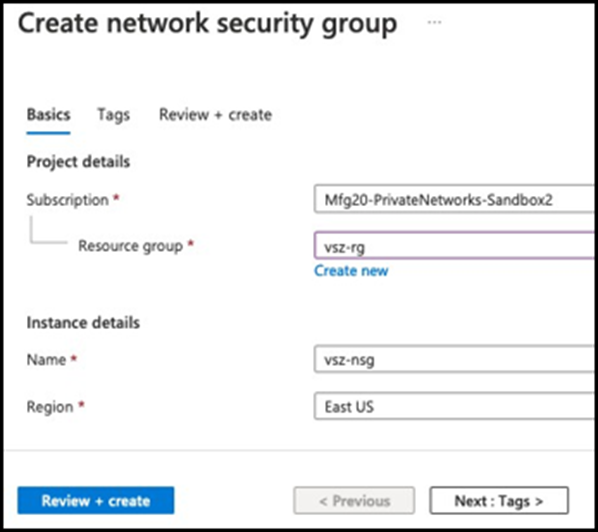
- Click on + Create and enter these details: Subscription, Resource Group, Name (this example uses ‘vsz-nsg’) and the Region, in the Basics section.
- Add tags in the next section if required and click through to Review + create, then click the Create button to generate the Network security group resource.
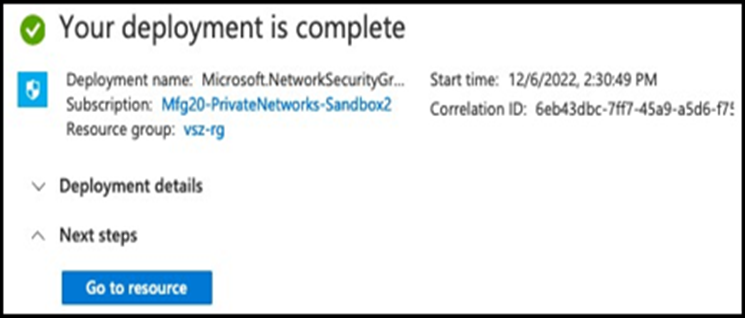
- When the deployment is complete, click on Go to resource.