Viewing the Interface and Routing
Configuration of the Controller
From the main menu, navigate to Network > Data and Control
Plane > Cluster.
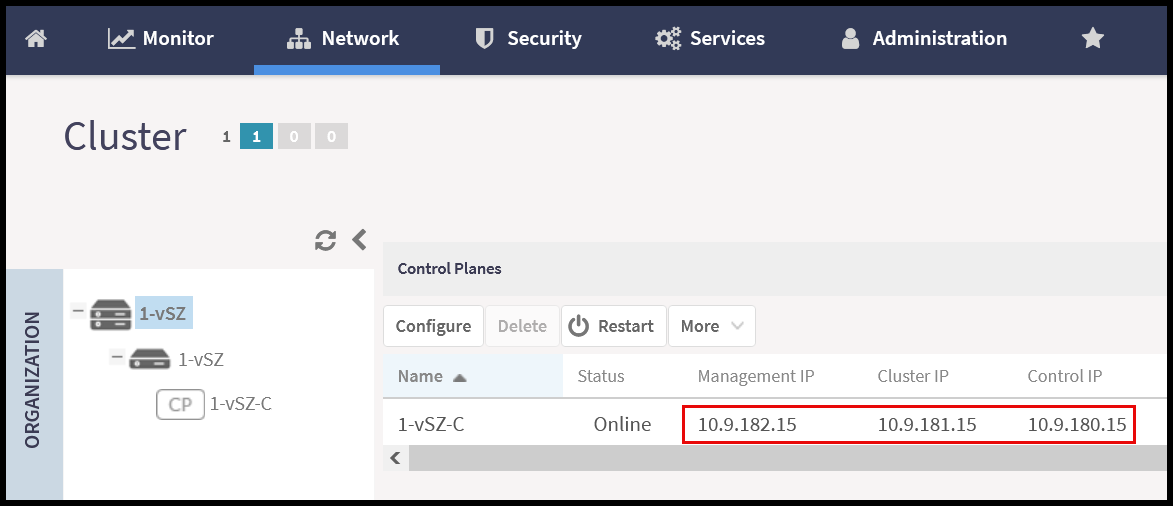
Select the node from the Control Planes list.
The IP addresses are displayed next to the node name in the Control Planes
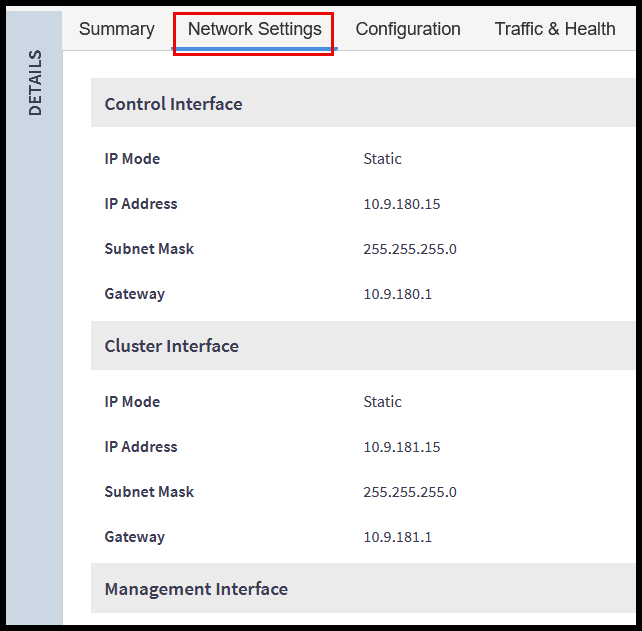
list. For additional details, scroll down to the DETAILS section and
click the Network Settings tab.
Viewing the IP Address Information of the controller in the Control
Planes list
Viewing the IP Address Information of the Controller in the Network
Settings Tab