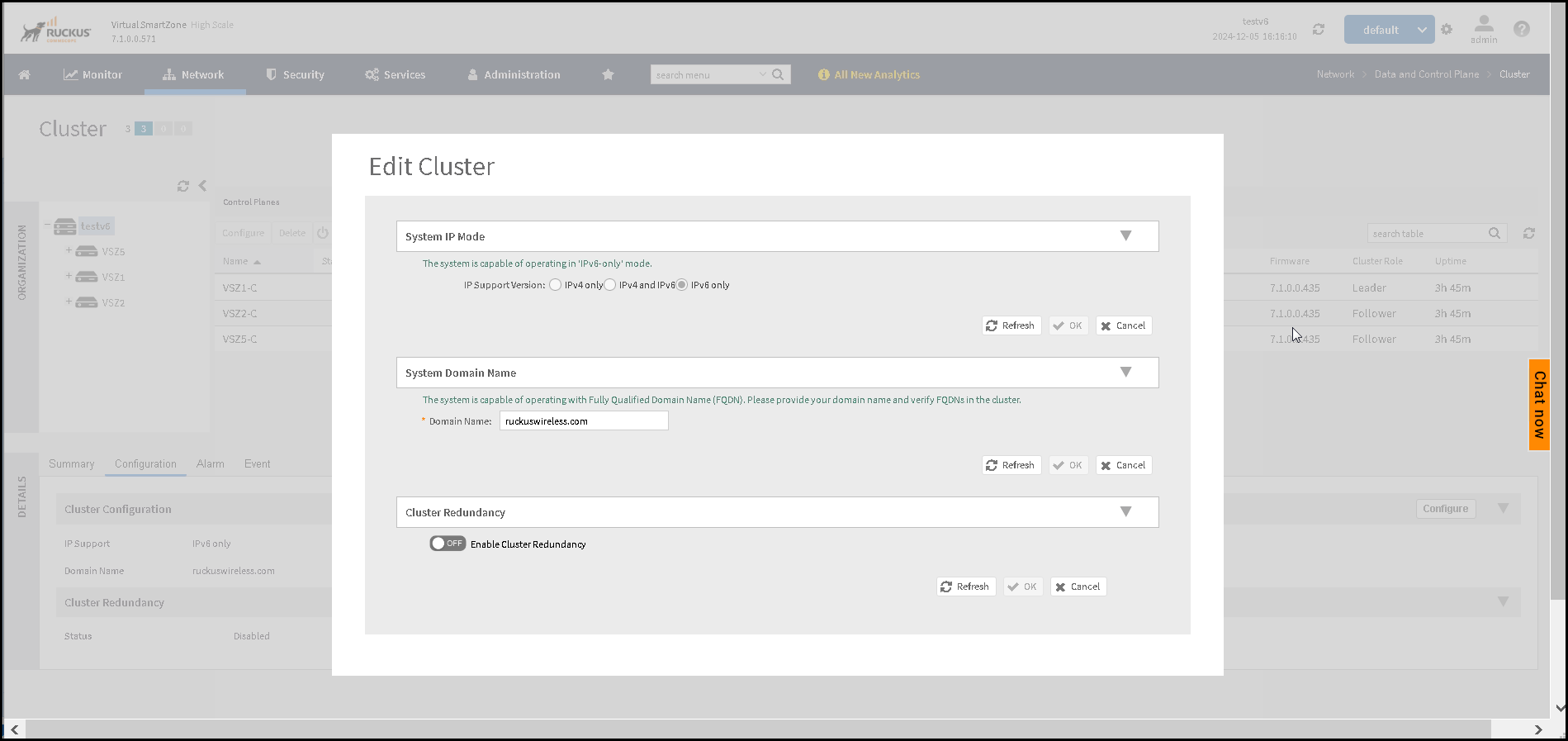
Configuring IPv6-Only Mode
Configuring IPv6-Only mode involves
enabling and optimizing IPv6 across the network.
- Connect to the console and power on the system and follow the initial prompts to launch the installation wizard.
- Select IPv6-Only as the network
mode.Enter the IPv6 management address, prefix length, default gateway and primary DNS server's IPv6 address and apply the settings.
- Set the host name and domain name for the SmartZone cluster.
- Define an administrator password for the controller and complete the installation.
- Log in to your SmartZone controller web user interface (Web UI).
- Confirm IPv6 only system IP mode as follows: