About LDAP Support
Lightweight Directory Access Protocol (LDAP) is an application protocol used to access
and maintain directory information services.
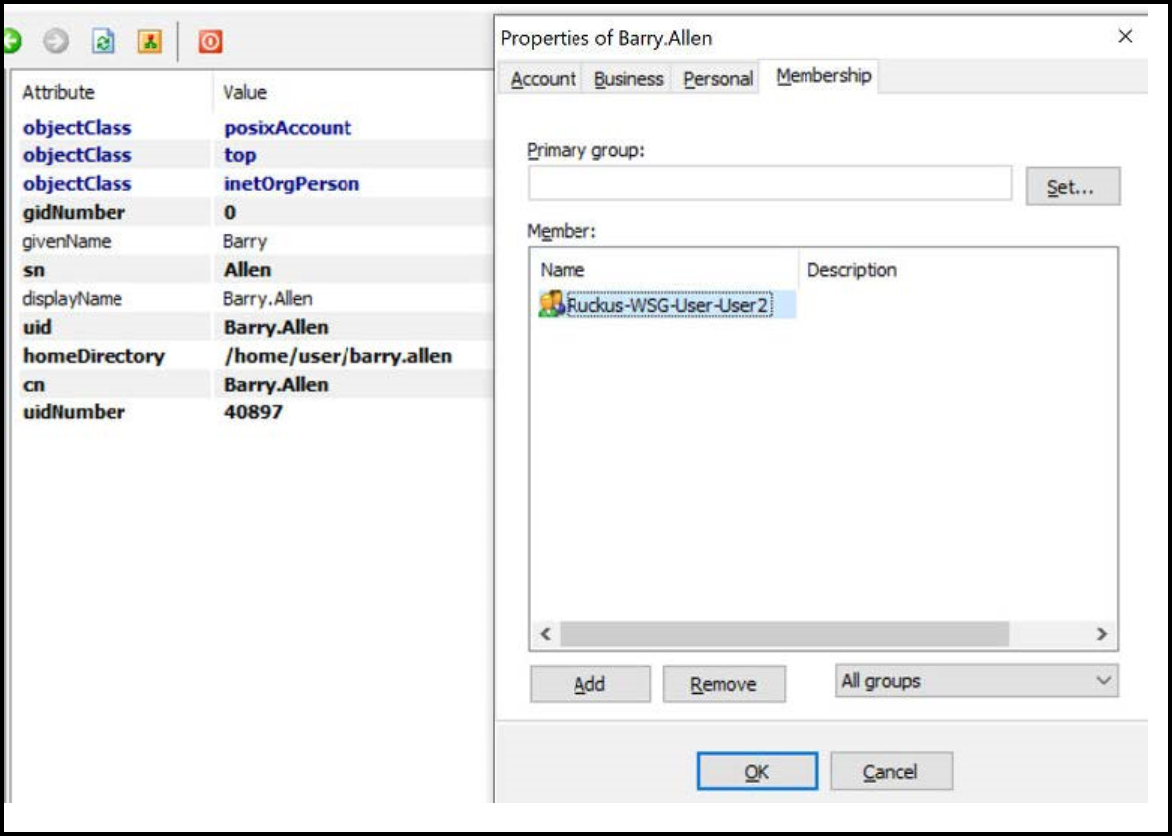
- Edit the LDAP configuration file on the LDAP server to include the service user name.
- On the controller web interface,
select Administration >Administration>
Admins and
Roles > Administrators,
and click Create to create an administrator account with super as the user
name. Note: Refer to Creating Administrator Accounts. In this example, LDAP can use User2 only.
- Select
Administration>Administration
> Admins and
Roles > Groups and assign
an administrator role to the super administrator account. Note: Refer to Creating User Groups.
- When you add an AAA server for administrators, select
LDAP as the authentication server type.
Note: Refer to Configuring SmartZone Admin AAA Servers.
- Test the LDAP server using the account
username@super-login.
Note: The value of super-login depends on the realm configured for the AAA profile. Refer to Creating Administrator Accounts.