You are viewing a cached version of this page.
You are currently offline. This page was loaded from cache.
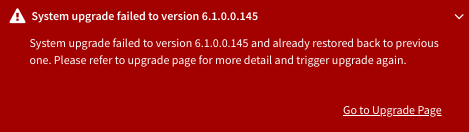
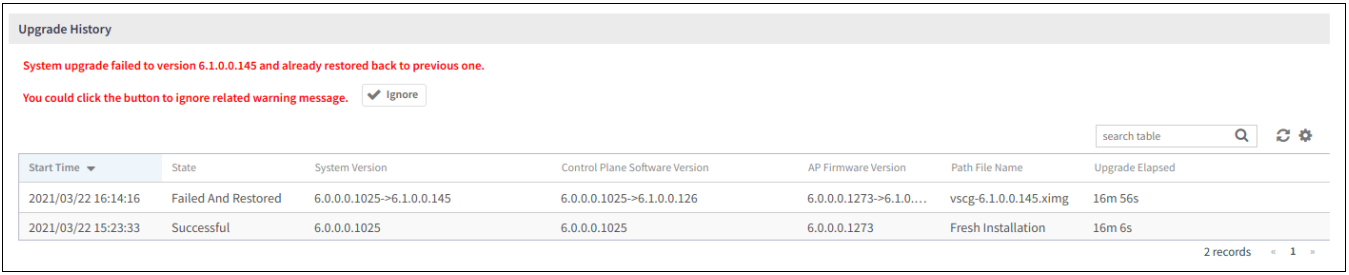
When the restore operation is complete and user log in the dashboard again, the following Global Warning message is displayed stating that the system upgrade failed and has been restored to the previous version.
For more information on system restore:
Did you find what you were looking for?