Cluster Overview
The system cluster overview provides summary information of the controller cluster.
Note:
6.0
update
An out-of-service node must be fixed within 45 days to avoid
license disruption and to avail continuous services. A warning message on the
out-of-service status of the node is listed on the header bar.To replace the condition to vSZ-H and
screenshot.
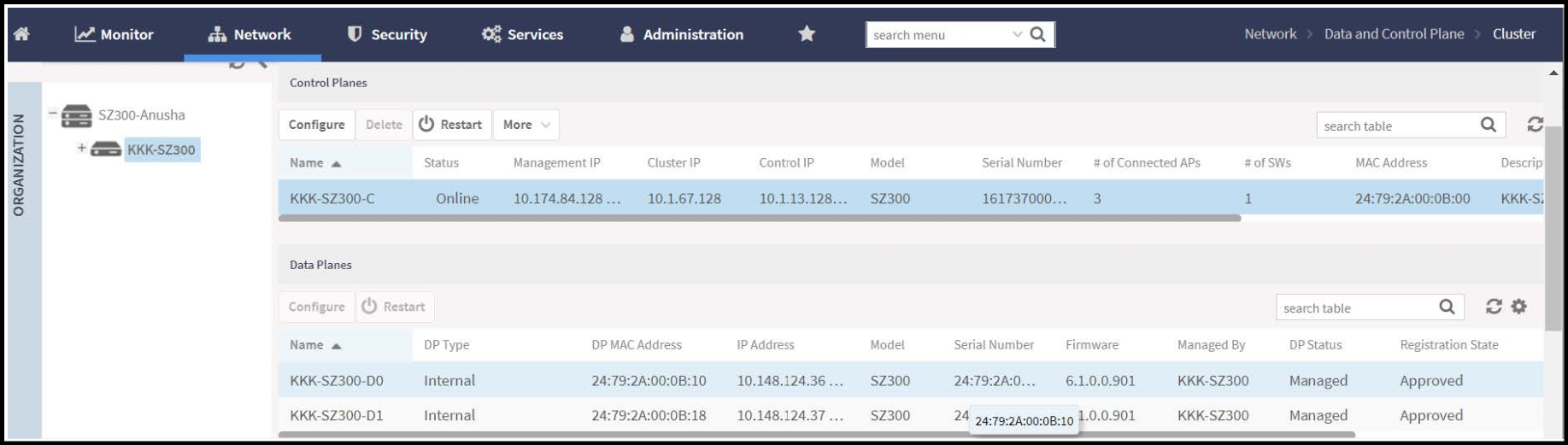
To replace the screenshot and condition to SZ-144/vSZ-E.
Note: The UDI is not accessible on the ESXi
hypervisor as the default network driver of vSZ is VMXNET3 and it has a limitation
for
VLAN interface of VM. To resolve this issue, change the network driver to E1000.