NTP Server Authentication Settings
You can achieve secured communication with NTP servers after configuring them.
To establish this communication, in the NTP Server Authentication field, configure the following:
- Key Type as MD5 or SHA1.
- Key ID in the range of 1 to 65534.
- Key or PSK as negotiated
for each of the NTP servers.
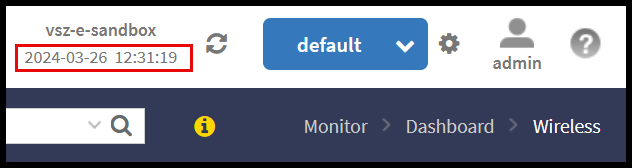
Note: The time information that is permanently displayed at the top of the Web UI does not reflect the configured time of the controller (System Time), instead, it refers to the local time of the web client accessing the controller Web UI. For instance, if the system time zone in the System Time setting is configured for US Pacific time, but the user is accessing the controller from Europe, the time shown at the top of the Web UI will display the local time of the web client in Europe.