RMS/UMM Install
If a Remote Management Service (RMS) or
Unleashed Multi-Site Manager (UMM) server is available, you can allow automatic
Unleashed
deployment configuration by running a configuration template from the UMM server
to the
Unleashed Master AP during setup.
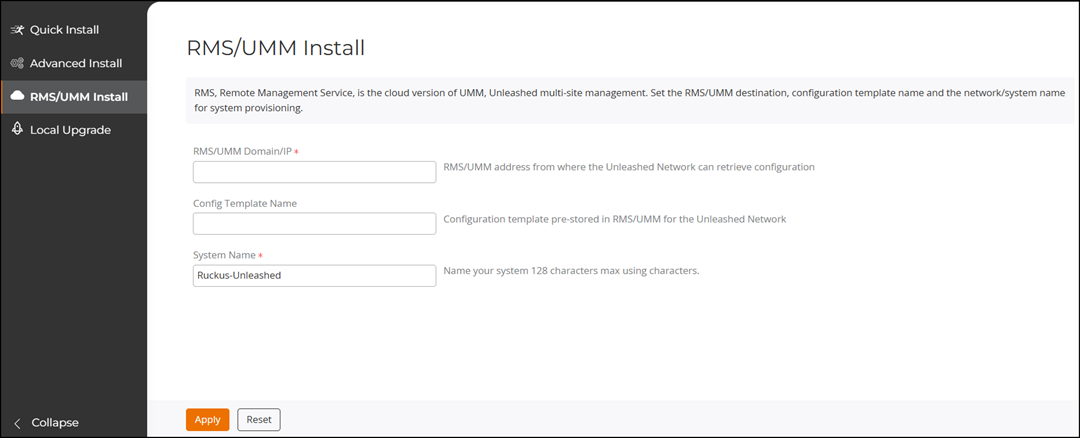
- On the Setup Wizard, select RMS/UMM Install.
- In the RMS/UMM Domain/IP
field, enter the RMS domain name or UMM server domain name/IP address from which
the Unleashed network retrieves its configuration template. Enter the UMM Domain/IP
address.
- For RMS: Log in to your RMS system and click the Copy Domain icon displayed in the header. Use the copied domain value for the RMS/UMM Domain/IP field.
- For UMM: Log in to your UMM web interface and copy the server domain name or IP address from the browser URL. Use the copied value in the RMS/UMM Domain/IP field.
Note: Only customer-built RMS and UMM systems can be used. Public RMS or UMM systems are not available. - In the Config Template Name field, enter the name of the configuration template that has been created and stored on the RMS/UMM server for the Unleashed network deployment.
- In the System Name field, enter or modify the name for the system.
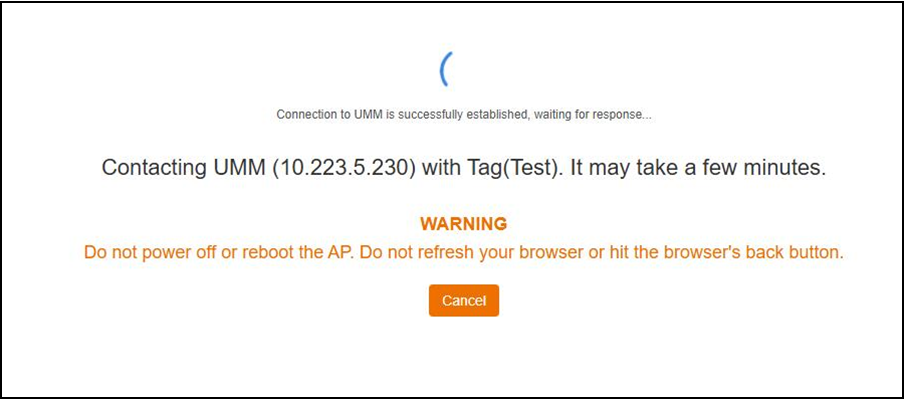
- Click Apply.