You are viewing a cached version of this page.
You are currently offline. This page was loaded from cache.
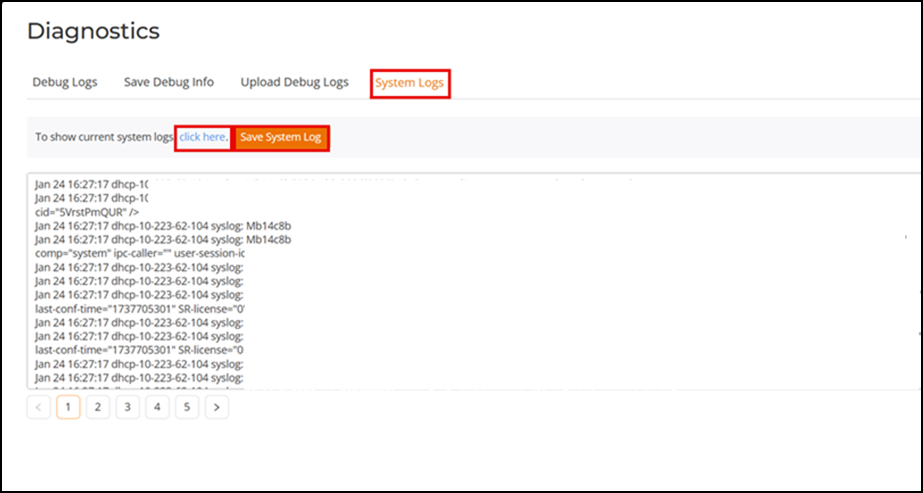
The System Logs tab provides an option to view the current system logs of the AP. You can view the current system logs by navigating to Tools > Diagnostics > System Logs > Click Here , and the system generates the current system logs. Click Save System Log to save the logs.
Did you find what you were looking for?