Running a Speed Performance Test on a Wireless Client
You can test the wireless throughput to a
client using the Speed Test tool.
Difference in UI path for Unleashed and RUCKUS
Blue
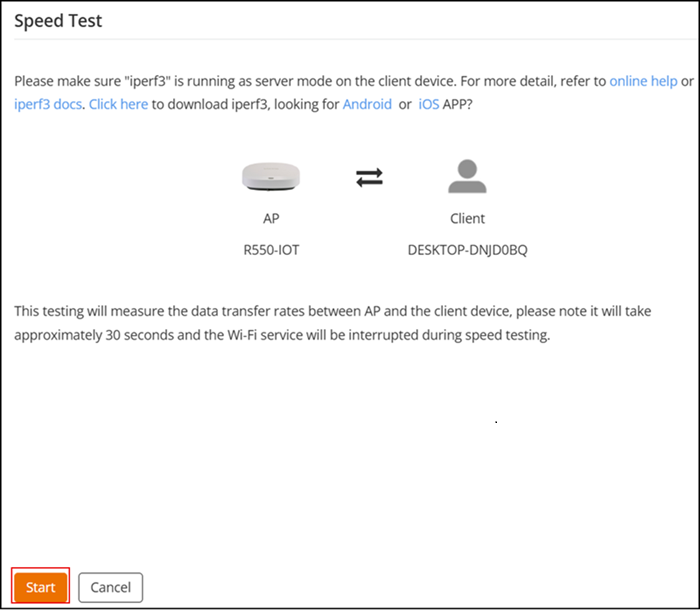
- Install (https://iperf.fr/iperf-download.php) and enable the iPerf3 service as server mode. For more information about iPerf3, refer to iPerf3 Integration in Unleashed.
-
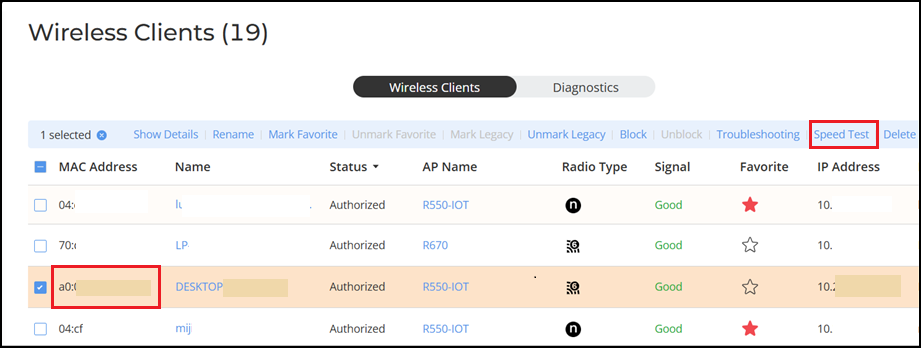
UnleashedFrom the main menu, select Clients.
- Select a client from the clients list and click Speed Test.
- Click Start to begin the speed test.
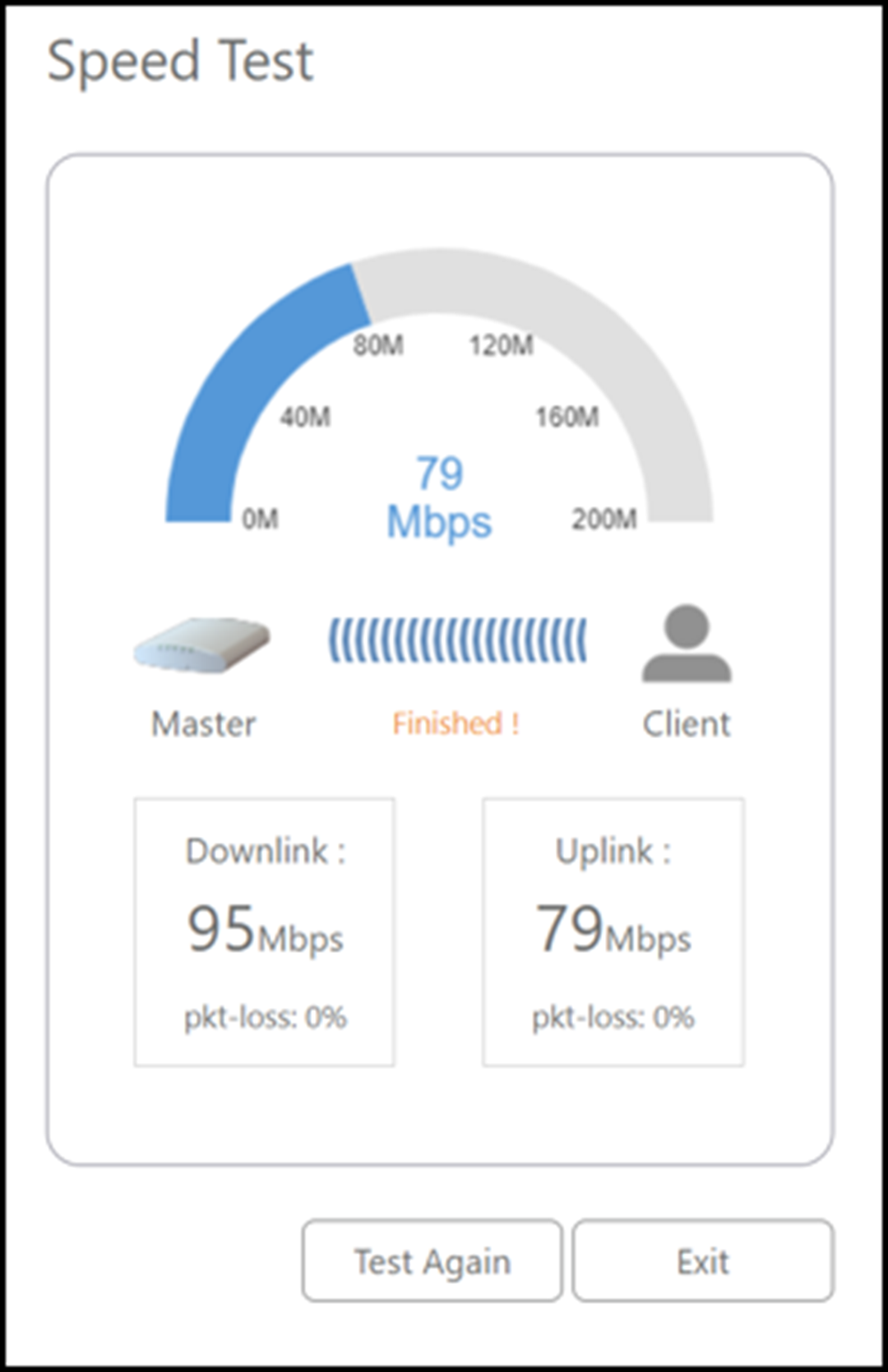
- (Optional) Click Test Again to rerun the test.