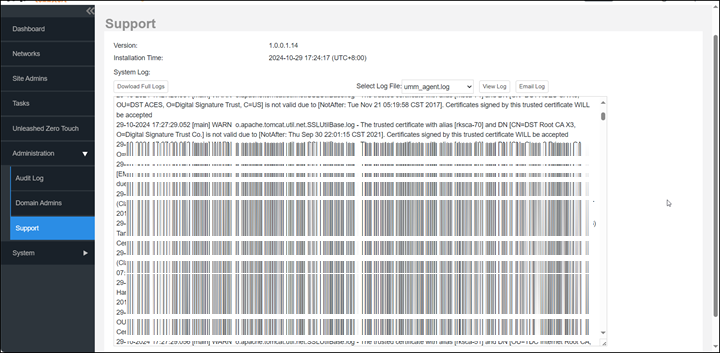
You can view system log file content
on your remote management services for web interface.
When a log file size exceeds the
threshold, a new log file is created.
Go to Administration > Support.
In Select
Log File, select the required log file.
Click View Log.
Depending on the time of day when you perform this action, the log displays
information from either 12:00:00am to the current time or 12:00:00pm to current
time.