Emailing a Copy of the System Log File
- Go to .
- Click the Email Log button.
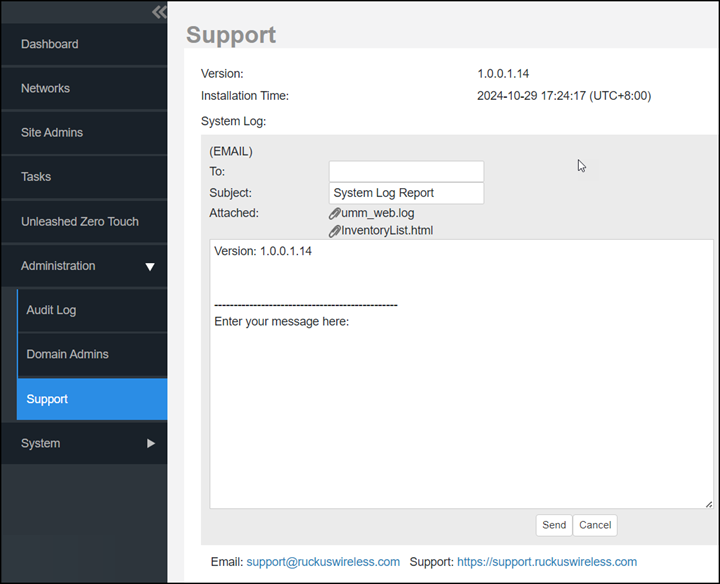
The System Log form appears. The To and Subject fields are filled out, and the system log has been added as attachment.
The To address must be previously configured in the System Settings. Refer to Configuring SMTP Settings.
- Type any information you want to highlight in the message box.
- Click Send to send the email message.