Blocking Networks from the Software
If a network appears in remote
management service and is either unauthorized or poses a threat to security, you can
use the
web interface to block the network. You can block one network at a time.
- After you log in to the remote
management services web interface, select Networks from the main menu. The Networks page appears, listing all the networks managed by the remote management services for Unleashed.
- From the list of networks, select the network you want to block and then click .
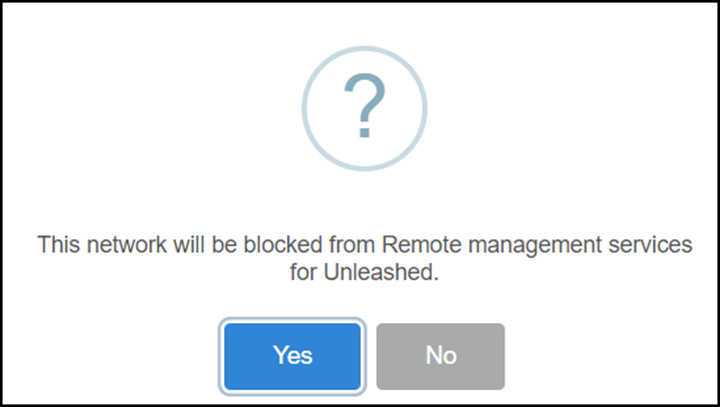
- Click Yes. The network is blocked, and remote management services for Unleashed no longer manages that network.