Unleashed Network Onboarding to a Domain Group
Three options for Unleashed networks onboarding to a Domain group are:
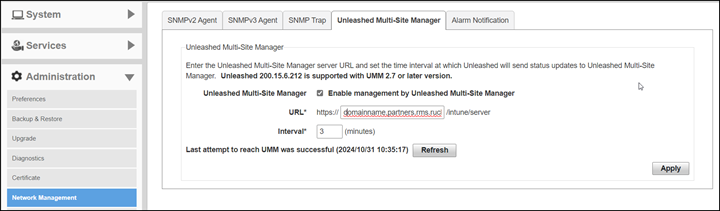
- Domain URL: In the Domain group creation process, the system will allocate a URL for this Domain group. The name pattern is Domainname.partners.rms.ruckus.cloud. This URL can be used in the Unleashed web interface to register with remote management services for Unleashed. Remote management services for Unleashed will move the Unleashed to the related Domain group automatically.
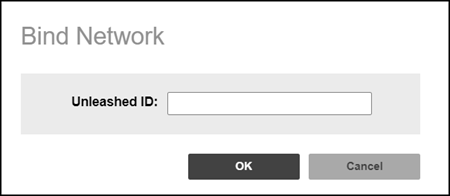
- Manual binding by Domain Admin: If the Unleashed network registration URL does not contain Domain information, remote management services for Unleashed will move the Unleashed network to a hidden default group. The Domain Admin should bind it to the Networks menu in the domain portal by filling in the Unleashed ID.
- Zero Touch Deployment: In Zero Touch Deployment, the Domain Admin can upload a rule containing the AP MAC address. All Unleashed networks with a master AP MAC in the list are moved to this Domain group.