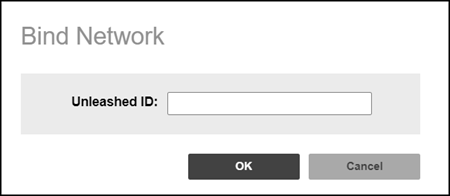
Binding a Network
You can manually bind a WLAN using the
Unleashed device ID.
You are viewing a cached version of this page.
You are currently offline. This page was loaded from cache.
In case the registration URL for the Unleashed network does not contain domain information, remote management services will move the Unleashed network to a default domain that is not visible. The Domain Admin should bind it in the Networks menu by manually entering the Unleashed ID.
Did you find what you were looking for?