You are viewing a cached version of this page.
You are currently offline. This page was loaded from cache.
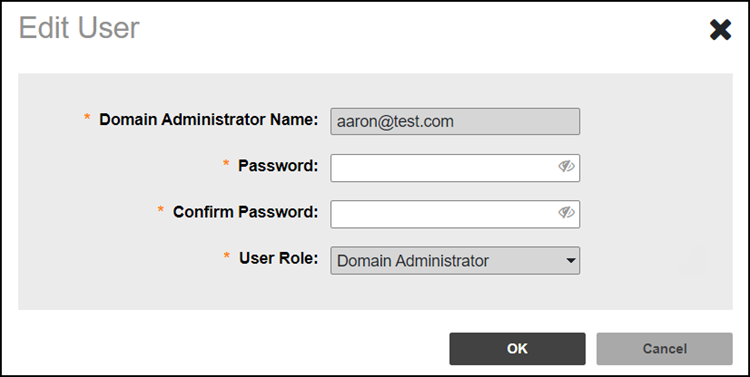
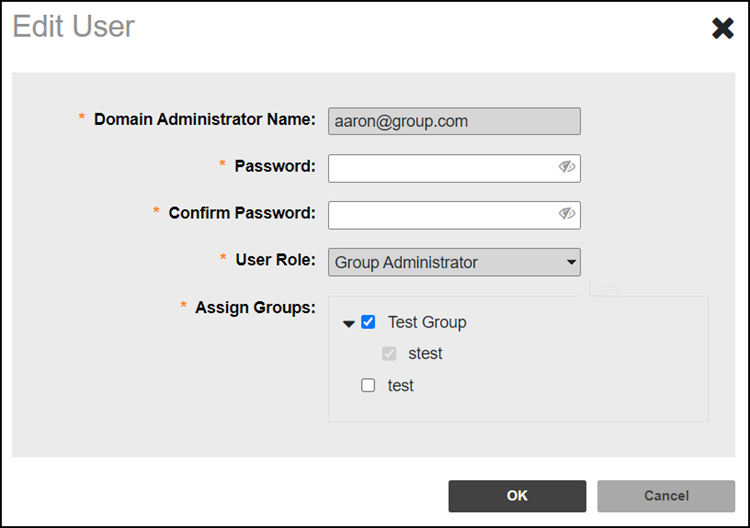
Edit a Domain Admin or Group Admin account if you need to make changes, such as the password or to reassign the groups.
Did you find what you were looking for?