Alarm Settings
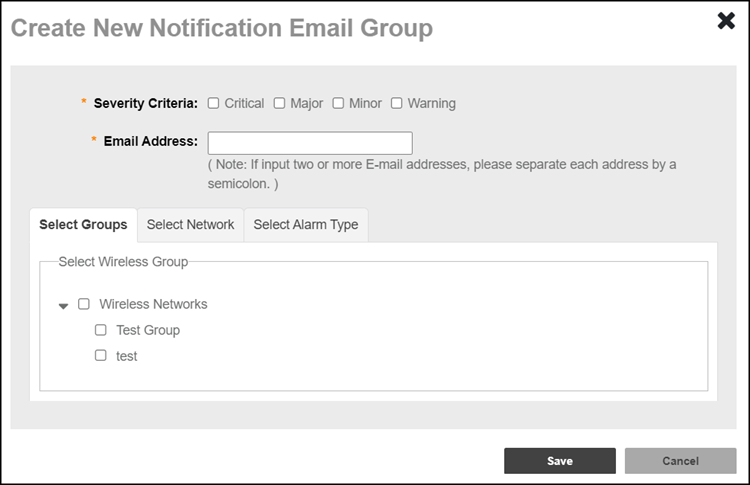
The Email Notification section displays the users and their respective email addresses to which email notification are sent when alarms are generated. The section also displays, for each user, the alarm severity levels for which notification will be sent, as well as the date and time when each user’s notification configuration was created.
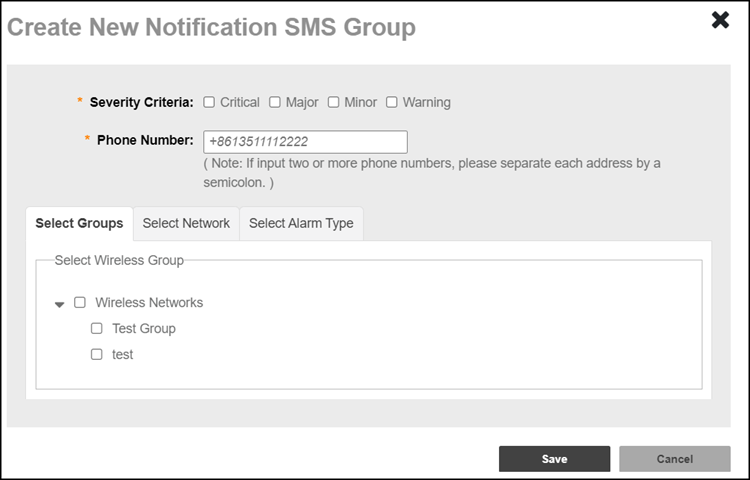
The SMS Notification section allows you to configure an SMS Group to which alarm notifications will be sent via SMS. When creating a new SMS Group, you can select one or more alarm severities, add one or more phone numbers, and select a wireless group, network, and alarm type for which SMS notifications will be sent. Note that an SMS server must be enabled and configured for SMS notifications to be sent successfully; refer to Configuring SMS Settings for configuration instructions.
The User Customized Alarm section displays the customizable alarms, where you can assign a severity level and set threshold values to each alarm type. These alarms can be sent as SNMP traps to SNMP servers, sent via email or SMS to a group or user, or sent to a syslog event. Setting user-customized alerts requires defining two thresholds per event type and activating the corresponding alarms for each type.
For instance, if the event type is AP # of clients and the thresholds are 100 and 200 clients, then remote management services for Unleashed can send alarms:
• When the client count goes up to 100 (send low-threshold alarm set alarm)
• When the client count goes up to 200 (send high-threshold alarm set alarm)
• When the client count goes down to 200 (send high-threshold alarm clear alarm)
• When the client count goes down to 100 (send low-threshold alarm clear alarm)
The Event Selection section displays all the events which triggers alarms. These events are categorized under the following six tabs.