Deleting a Cluster
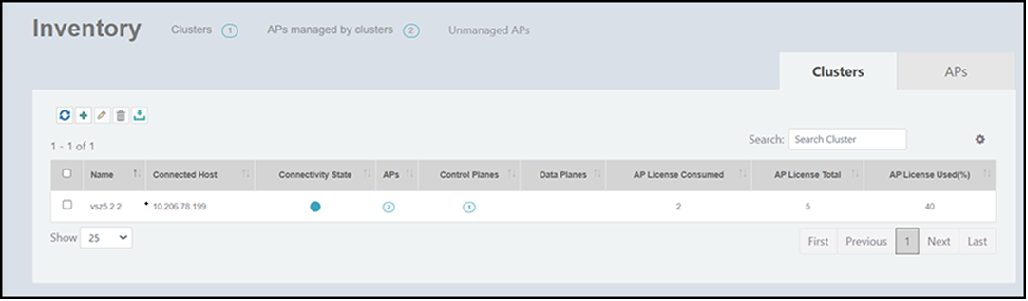
Complete the following steps to delete a cluster.
- On the menu, click Inventory.
- In the Clusters tab, select a cluster that you want to delete.
- Click the
 icon to delete the cluster. A confirmation dialog box is displayed to confirm the action.
 - Select the Delete Aps option to delete the cluster and all cluster references, such as APs. You cannot delete the cluster without selecting this option.
- Click Yes! Delete.