Deleting API Tokens
This feature allows the user to delete the
API tokens.
Complete the following steps to delete an API token.
- On the menu, go to
Admin >
API Tokens.
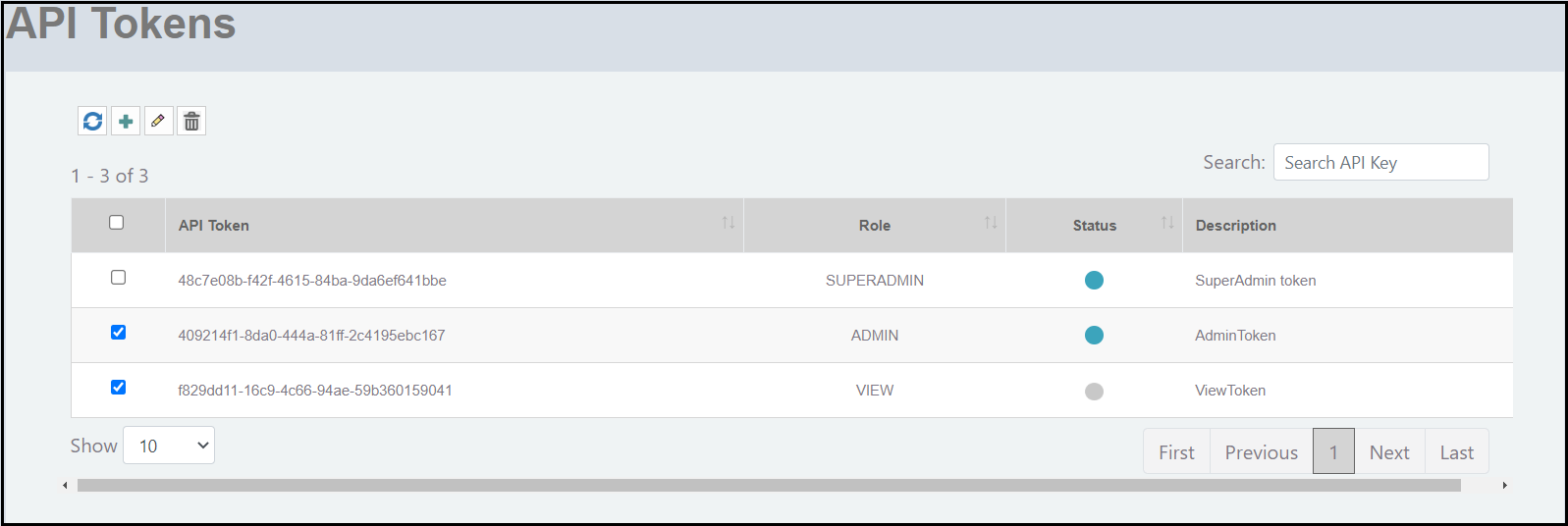
The API Tokens window is displayed.Note: The columns in the API Tokens window can be resized to meet your requirements.
- Click on the check box to select the API token that you want to delete.
- Click the
 icon to delete the selected API token. The Delete API token dialog box is displayed.
 - Click Yes! Delete to delete the API token.
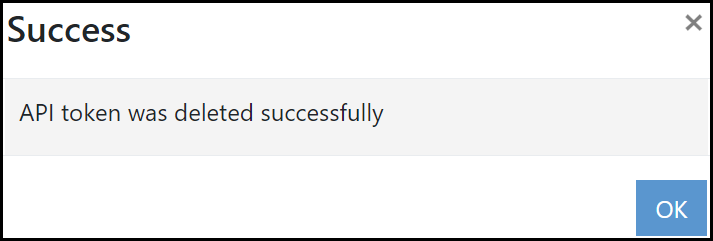
- Click OK.