Restoring a Backup Copy of the Database
- Go to .
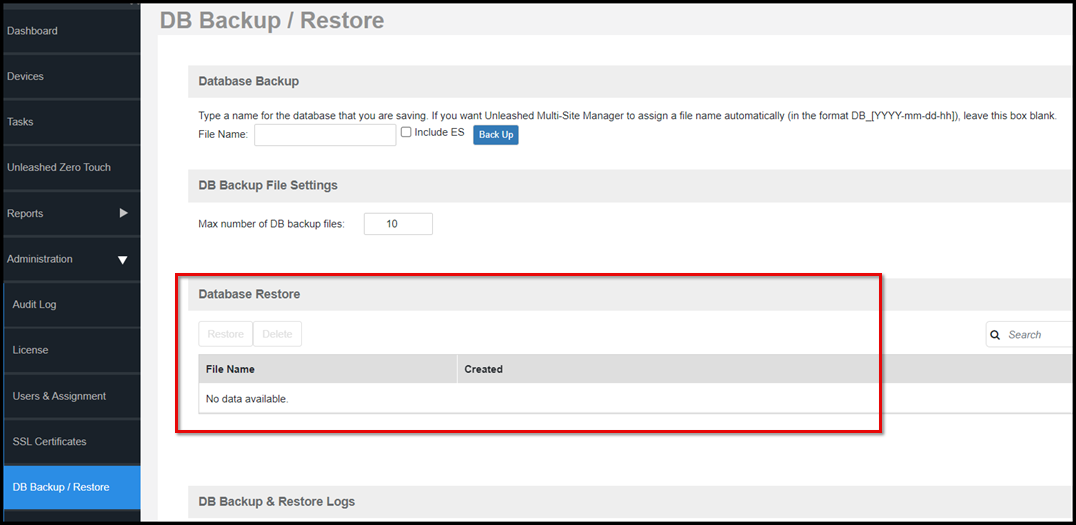
- In the Database Restore section, A table appears and displays the file names of the database backup files and the dates when they were created.
- Select the database file name that you want to restore and click
Restore.
The Restore Status Area window appears and displays the progress of the restore process.
- Check the Restore Status Area window for the following message:
- Wait for the software login page to appear.