Available Report Types
The following table lists the different report types that you can generate in Unleashed Multi-Site Manager. For instructions on how to generate each type of report, refer to the succeeding sections.
Note:
UMM2.4
Lite mode does not
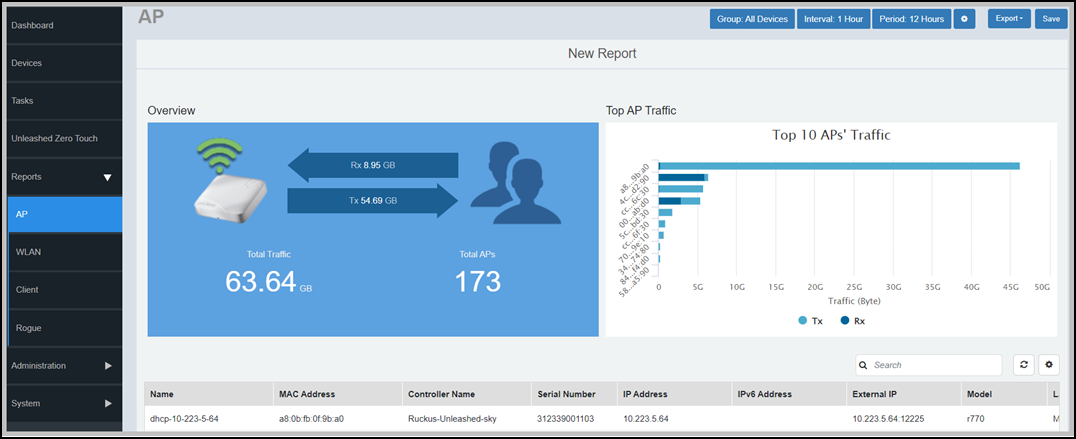
provide report page and client information.Typically, every report page contains a Set Report Options( ) area where you can set the
configuration values for the report by clicking Save to generate
report, a Table area where the
details are listed and a Graph
area where the report can be interpreted as a graph.