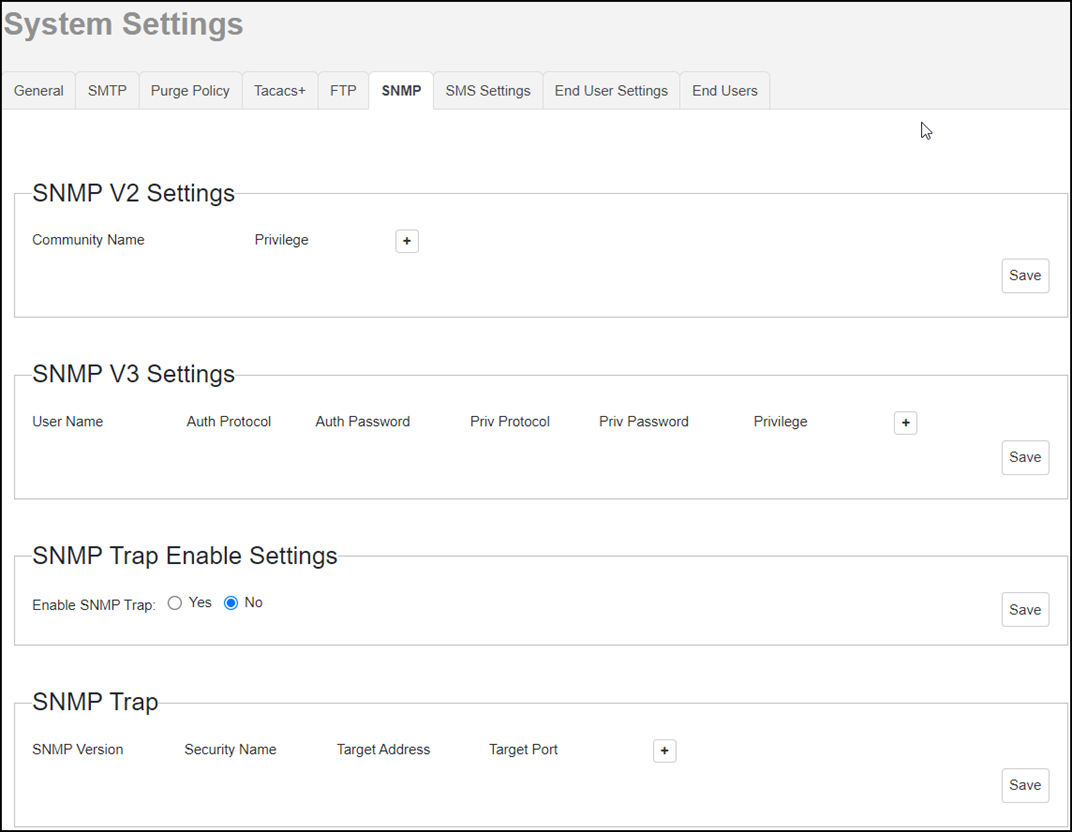
Enabling SNMP Traps Before you can send SNMP trap notifications, you must enable SNMP trap notifications. Go to System > System Settings. Click SNMP Settings. SNMP Configuring Settings In Enable SNMP Trap, click Yes or No. Click save. Continue with Configuring SNMP Settings. Parent topic: SNMP Server Settings