Configuring the 200.6 Unleashed Setup
To allow
Unleashed Multi-Site Manager to monitor and manage Unleashed devices, you must enable software management in the
Unleashed device and register the device with
Unleashed Multi-Site Manager. This procedure is applicable for Unleashed device versions 200.6 and later.
- Upload the Unleashed license as described in Uploading a License File.
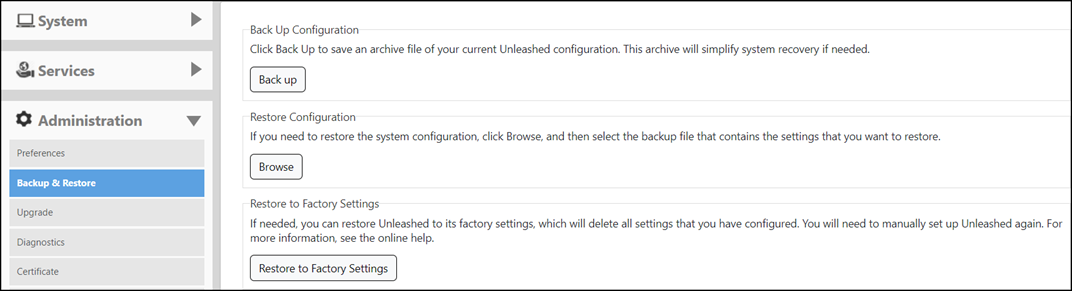
- Generate and Apply the Unleashed ID: Each unleashed network has an ID which is automatically generated by the system. You can renew this ID by clicking Generate from the Unleashed web interface and then apply it to the network. The 'Unleashed ID' is reset during set factory, and overwritten when the configuration is restored (when you choose the restore option as Restore everything). Unleashed Multi-Site Manager uses the 'Unleashed ID' to identify the unleashed network, and whenever the 'Unleashed ID' is renewed or reset, Unleashed Multi-Site Manager regards it as a new unleashed device.
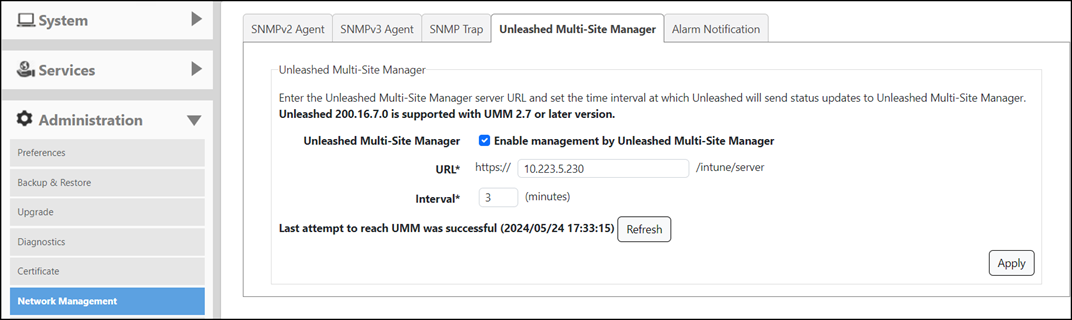
- Enable software management from Unleashed web interface:
- Log in to the Unleashed Multi-Site Manager web interface and go to Devices. The Unleashed device will be registered and displayed.