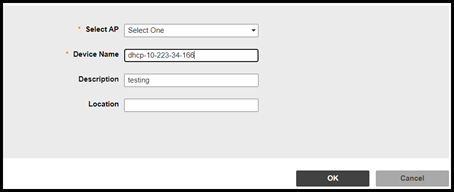
Editing AP Details
You can edit the AP details as
necessary.
- After you to log in to the Web
interface, select Devices from the menu in the
left. The Devices page appears listing all the devices managed by the software.Note: Editing AP details is only supported for Unleashed AP version 200.11 or later.
- From the list of devices, select the Unleashed network for which you want to edit the AP, then click Edit AP.