End User
To create and manage all the end user
accounts.
The end users can register the accounts by using the End Users tab or end user login page.
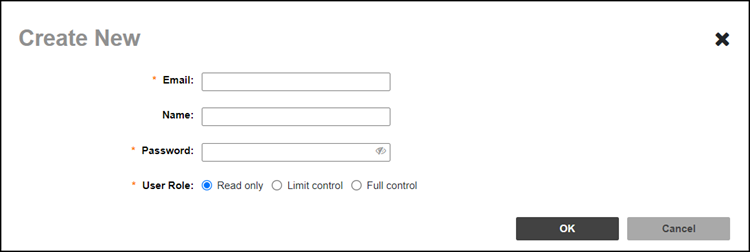
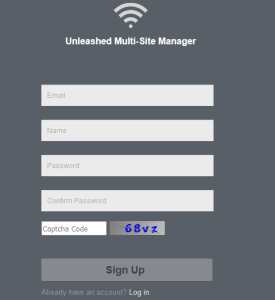
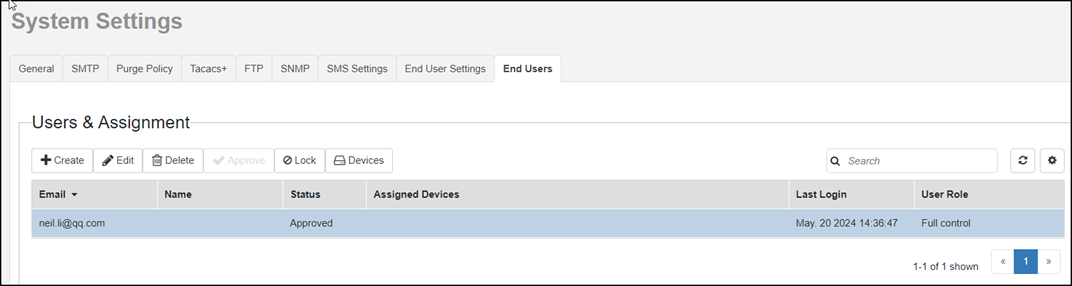
- Go to End Users tab and click Create to register new accounts for the end users by the UMM admin.(Optional) Go to the end user login page and click the Sign up with email option to register a new account.
- An email is sent to the registered email address to activate the account. After activating the account by the user, the UMM admin has to approve the account. The UMM admin can approve the account manually or automatically. Enable the Automatic Approval field in the End User Settings tab to automatically approve all the newly created accounts or click the Approve tab in the End Users page to approve it manually. If the account is not approved by the UMM admin, an error message is displayed.
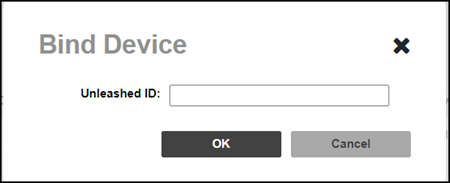
- After logging in to the end user login page, bind the Unleashed device using the Unleashed device ID and manage the owner of all the devices.