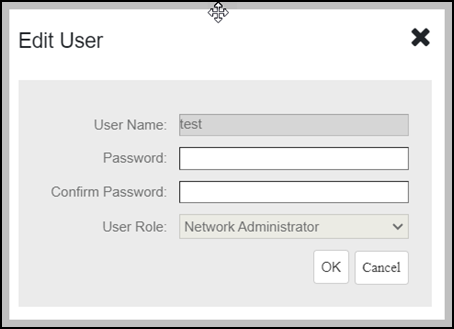
Editing a User Account Edit a user account if you need to make account changes, such as the user password or the user role. Go to Administration > Users & Assignment. Find the row in the Users table for the desired user account to edit, and then click Edit. Editing a User Account Edit the following options as required: User Name PasswordConfirm Password Assign Groups Click OK to save your changes. Parent topic: Managing User Accounts