Recommended Method for Adding Certificates to the Cloudpath Truststore
It is recommended that you
manually add the root CA certificate of all necessary external systems to the Cloudpath Truststore
before you attempt to configure the external systems.
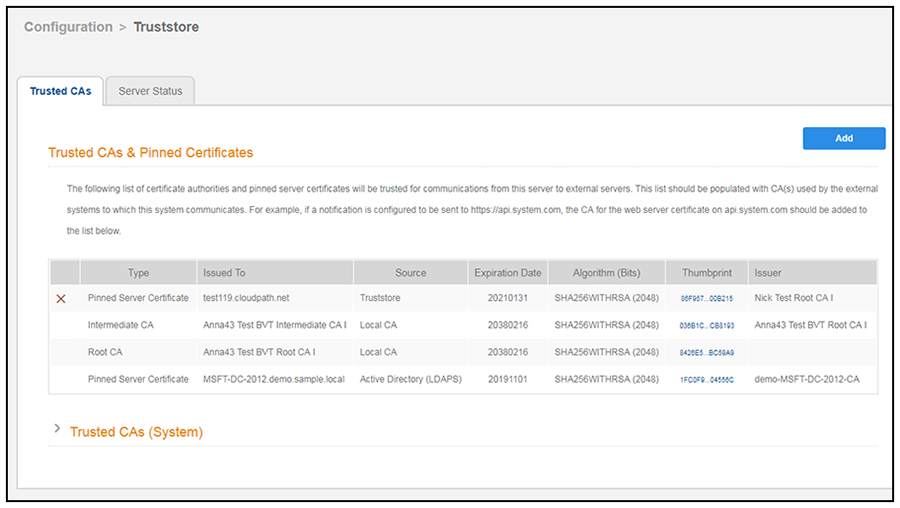
- On your Cloudpath system, go to Configuration > Truststore. If there are already certificates in the Truststore, the screen shows the list of certificates, as in the following example:
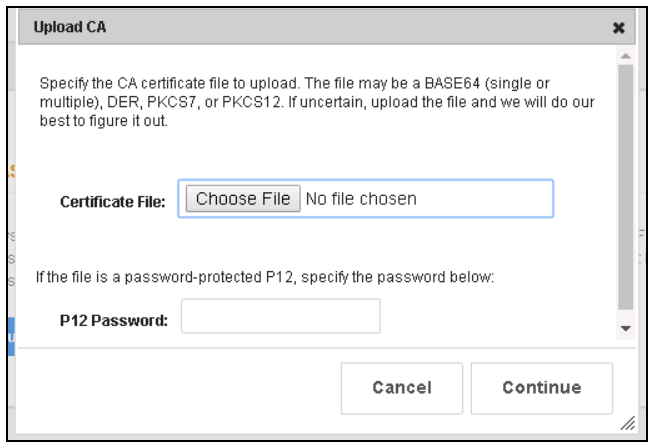
- To add another certificate, click Add.
- Click Choose File, browse to the root CA of the external system you want, and upload it to the Truststore.
- Repeat the previous step until you have added the root CA of all required external systems.