Acceptable Use Policy
- Select the button for Display an Acceptable Use Policy (AUP).
- Select A new AUP created from a standard template.
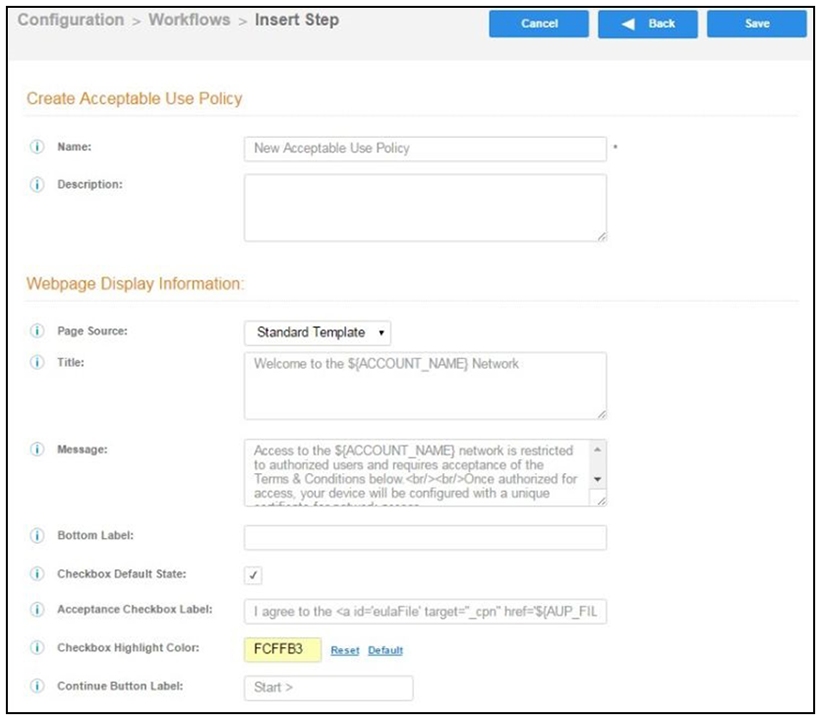
- On the Add Acceptable Use Policy page, enter the Reference Information and Webpage Display Information.
- Choose Standard Template as the page source and check the Checkbox Default State box to specify that the default setting is the acceptance of the AUP. Click Save.