Publishing the Enrollment Workflow
section updated for 5.9
A workflow is published using Snapshots.
A snapshot is a version of a workflow configuration. You can create and maintain
multiple versions of each configuration. However, only one snapshot can be active
at
a time for each workflow. To publish the workflow: - Navigate to tab.
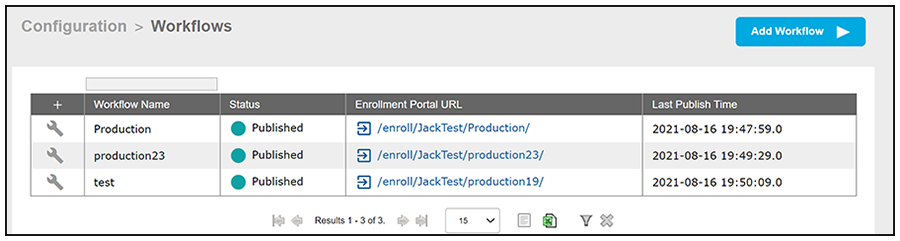
- Click the wrench icon of the workflow you wish to publish; for example "production23" in Grid View of Configured Workflows.
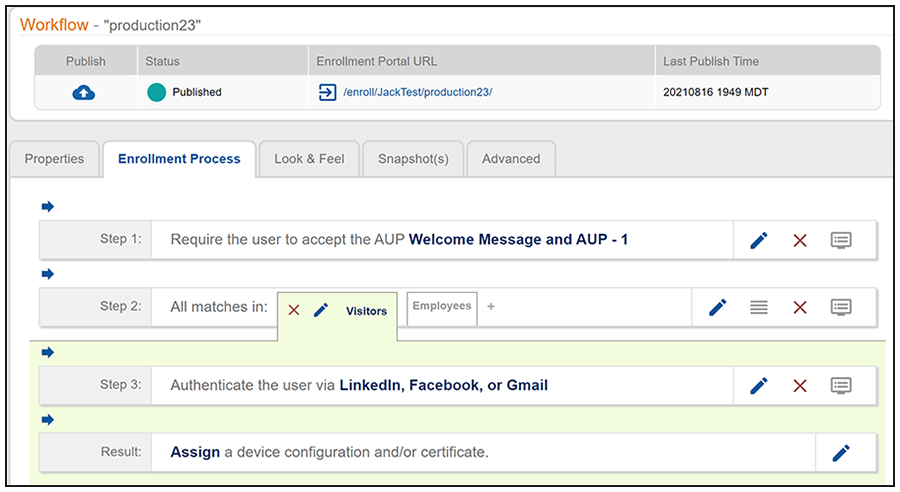
- On the preceding screen, click the Publish icon to publish the workflow.
- Select the Wizard version to use for the new snapshot. The Cloudpath Wizard is the application provided to users to automate the enrollment process.
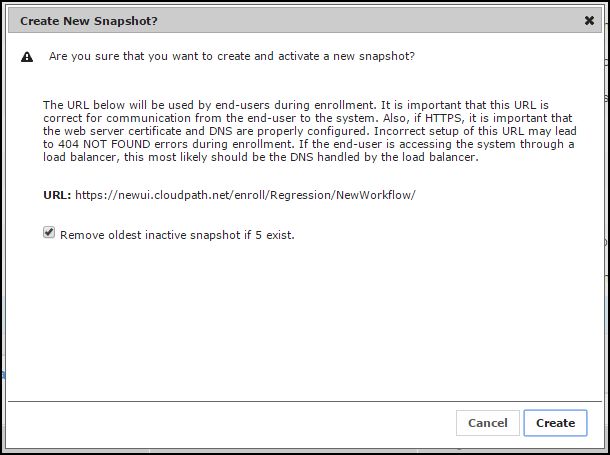
- Verify the Enrollment Portal URL for the snapshot.
- Click Create.
The Workflow grid view (Configuration > Workflows) contains status of the workflow (published or unpublished), the Enrollment Portal URL where a configuration is deployed, and the last published time for each workflow configuration.