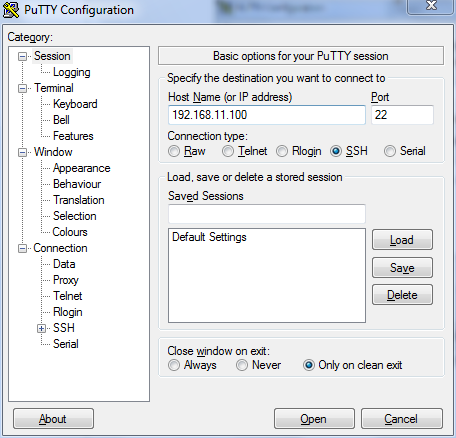
Start PuTTY. The PuTTY Configuration dialog box appears, showing the Session screen.
In Connection type, select SSH.
Note: Telnet access is disabled by default for security reasons. SSH is the recommended
access method and you will not be allowed to access the ZoneDirector CLI via Telnet
unless you have specifically enabled Telnet access.
Selecting SSH as the connection type
Enter the ZoneDirector IP address in the Host Name (or IP address) field.
Click Open. The PuTTY console appears and displays the login prompt.