Logging In to the Web Management Interface
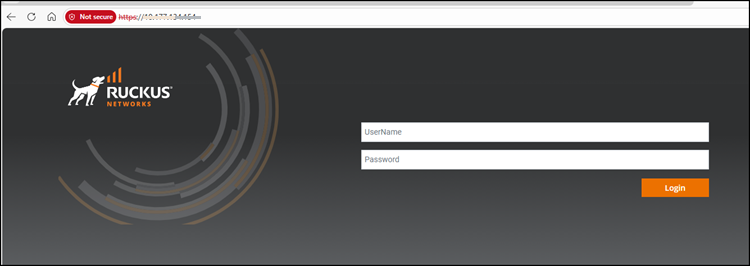
To log in to the Web Management Interface, perform the following steps.
- Launch a web browser and enter
the IP address of the management port in the address bar. You can also access the device using the Management IP address, interface IP address, or VE IP address connected to the network.
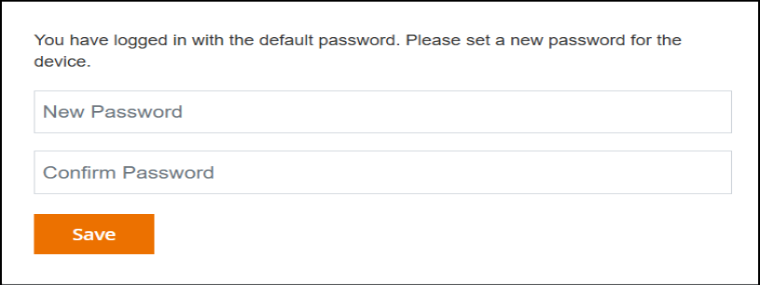
- Log in using the default username and password. After a successful login, you will be prompted to change the default password.
- Select .
If you do not have an AV device the main web UI page is loaded. For more information regarding the main web UI, refer to Navigating the Web Management Interface (Main UI).
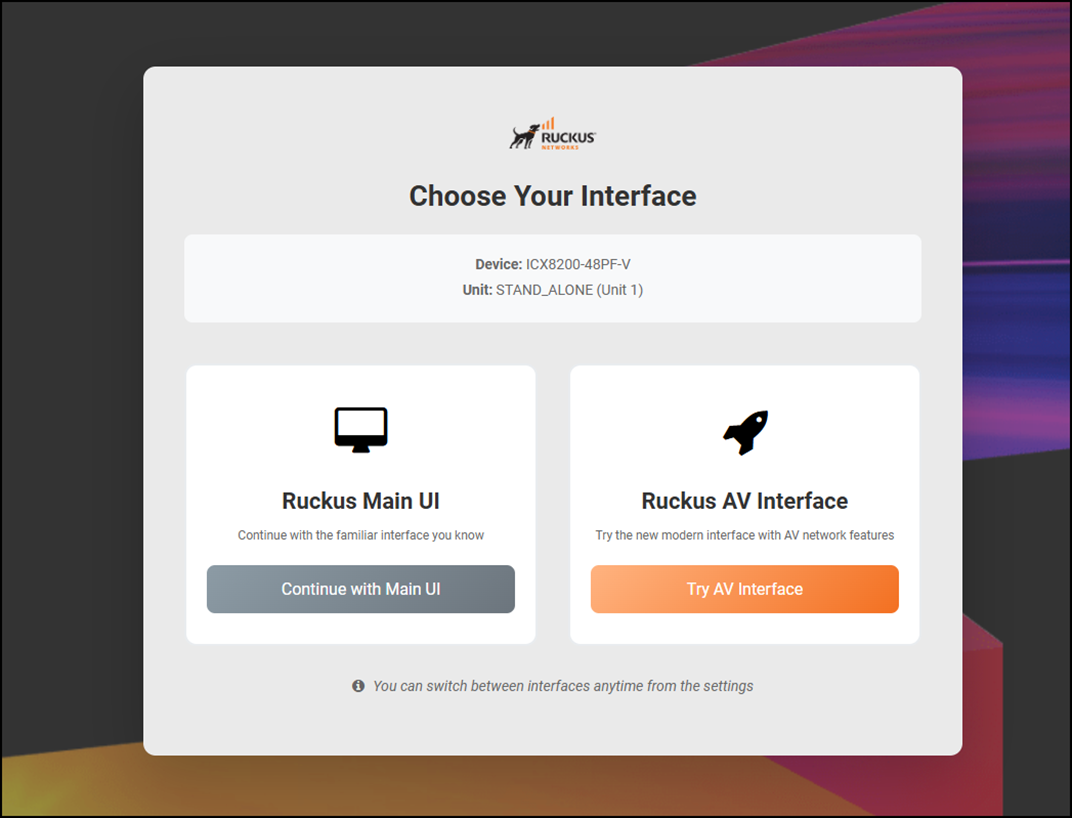
If you have an AV device, the Choose Your Interface screen is displayed.
- Click Continue with Main
UI to use the interface available to all devices. Refer to Navigating the Web Management Interface (Main UI) for more information.
- Click Try AV
Interface to use the interface available only for the AV
devices.Refer to Navigating the AV Web Management Interface for more information.
- Click Continue with Main
UI to use the interface available to all devices.