Configuring Archive Size
Archive size, which is a user-configurable
value, determines the number of archives the system can maintain.
Complete the following steps to configure archive size.
- From the main menu, select .
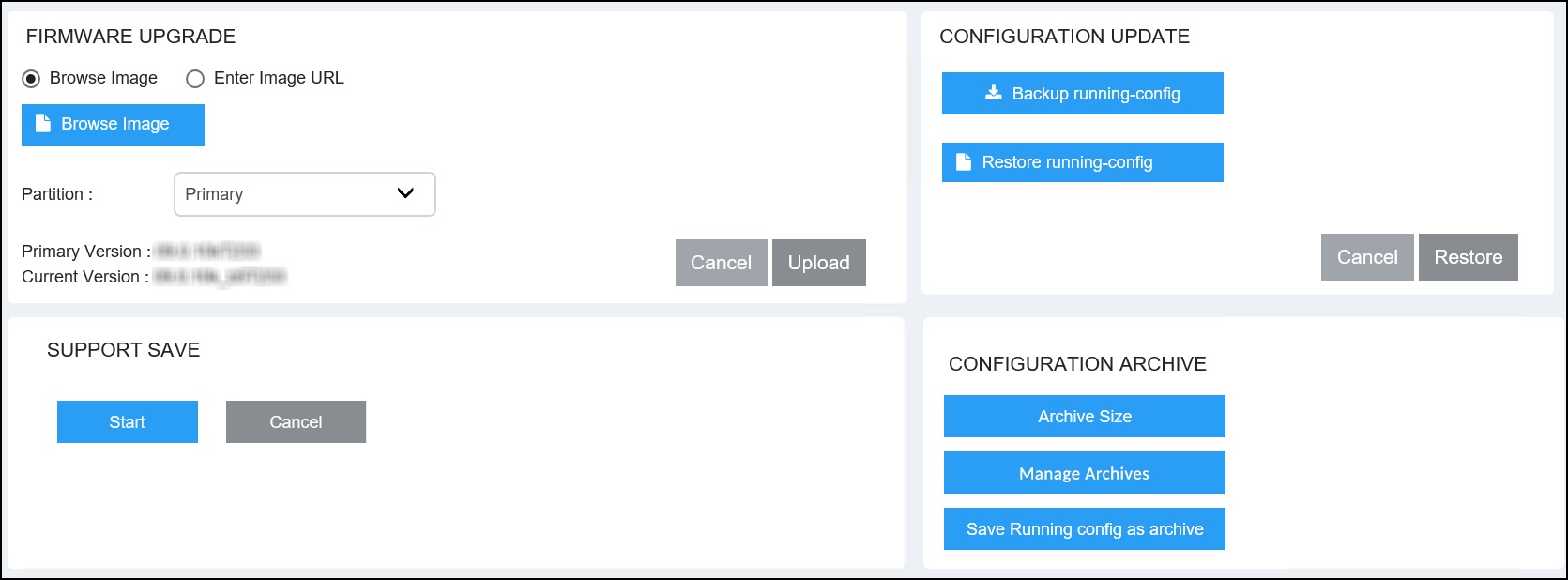
- In the CONFIGURATION ARCHIVE pane, click Archive Size.
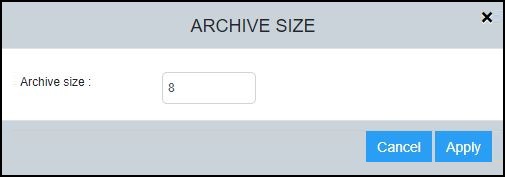
- In the Archive
size field, enter a value to change the archive size. Valid values range from 5 through 100 archives. The default archive size is 100.If the existing number of archives in the system is greater than the user-configured archive size value, the oldest archives are deleted. For example, if the existing number of archives in the system is 8, and you configure the archive size to 6, the oldest two archive files to be deleted are listed in the dialog box. However, if you set the archive size to a value greater than the existing number of archive files, no archives are deleted.
- Click Apply. A message is displayed indicating that the archive size was changed successfully, and providing details of the old value and the newly configured value.