Configuring Domain Name System Servers
The Domain Name System (DNS) resolver is a
feature in a Layer 3 device that sends and receives queries to and from the DNS
server on
behalf of a client. You can configure the RUCKUS device to recognize DNS servers.
You can
configure only up to four IPv4 server addresses and four IPv6 server addresses.
The first
entry serves as the default primary address. If a query to the primary address fails
to be
resolved after three attempts, the next DNS address is queried (also up to three
times).
This process continues for each defined DNS address until the query is resolved.
The order
in which the default DNS addresses are polled is the same as the order in which
you enter
them.
Complete the following steps to configure DNS servers.
- From the main menu, select
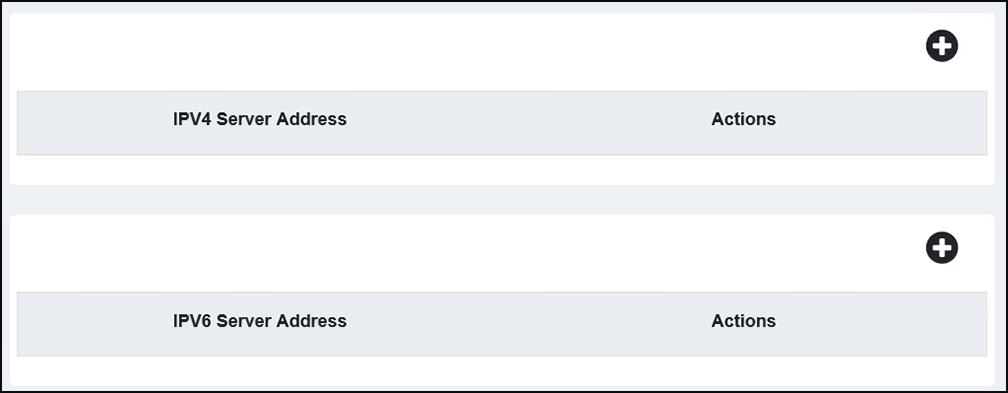
. All DNS server address information is displayed for the IPv4 DNS servers and the IPv6 DNS servers.
- (Optional) Click the
 icon in the top right corner of the IPv4 Server Address
table to add an IPv4 server address. A new field is added in the IPv4 Server Address table.
icon in the top right corner of the IPv4 Server Address
table to add an IPv4 server address. A new field is added in the IPv4 Server Address table. - Click the
icon in the top right corner of the IPv6 Server Address
table to add an IPv6 server address. A new field is added in the IPv6 Server Address table.
- (Optional) To delete an IPv4 or
IPv6 server address, click the
 icon for the corresponding IPv4 or IPv6 server address.
 icon, then click