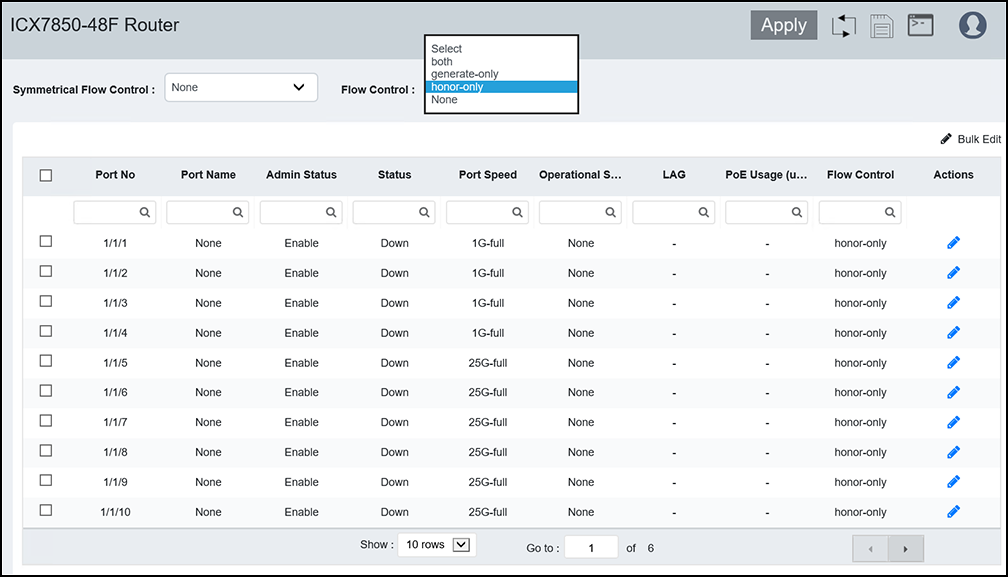
Configuring Flow Control for all Ports
Flow control (IEEE 802.3x) is a QoS
mechanism created to manage the flow of data between two full-duplex Ethernet devices.
Specifically, a device that is oversubscribed (is receiving more traffic than it
can handle)
sends an IEEE 802.3x PAUSE frame to its link partner to temporarily reduce the amount
of
data the link partner is transmitting. Without flow control, buffers would overflow,
packets
would be dropped, and data retransmission would be required. All ICX devices support
asymmetric flow control, which means they can receive PAUSE frames but cannot transmit
them.
In addition, devices also support symmetrical flow control, which means they can
both
receive and transmit IEEE 802.3x PAUSE frames.