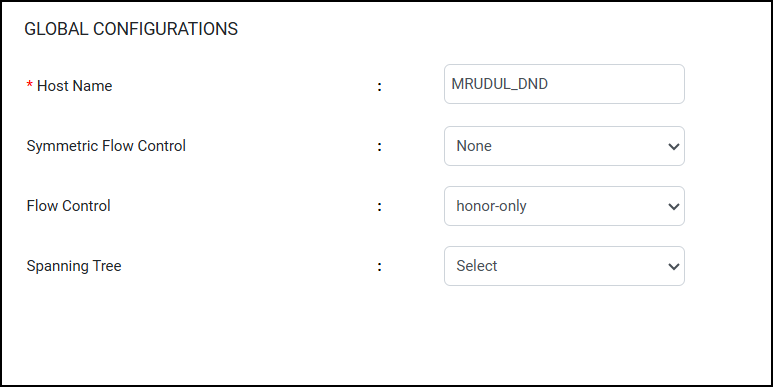
Global Configurations
Global configuration allows you to
configure the symmetrical flow control (SFC), flow control (IEEE 802.3x), and spanning
tree
at the global level.
Complete the following steps to configure global configurations.
- From the main menu, select Device.
- In the Global Configurations tab you can perform the
following actions:
- For Host name, configure the host name for the device.
- For Symmetric Flow Control, select one of the following options from the list to configure symmetric flow control:
- For Flow Control, select one of the following options from the list to configure flow control:
- For Spanning Tree, select one of the following options from the list to configure the spanning tree cost calculation method:
- Click Apply to save and apply the Global Configurations settings.