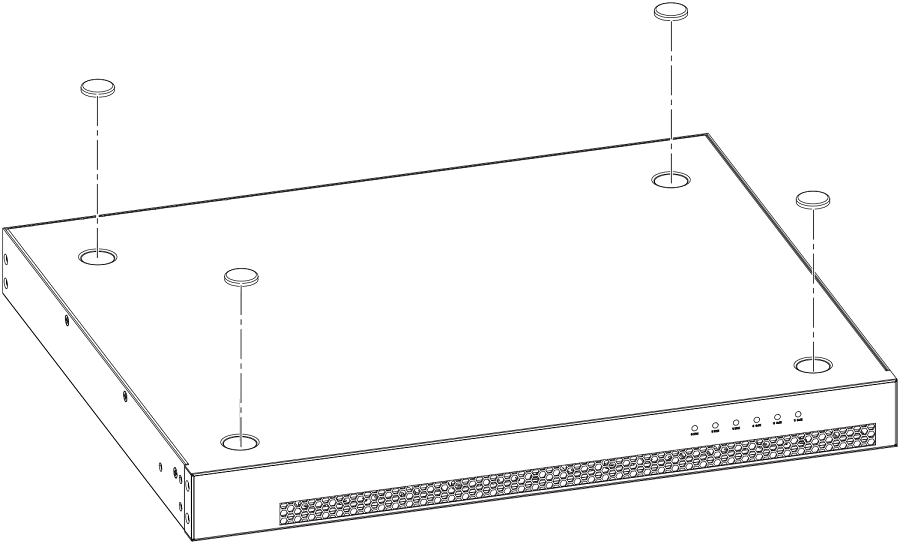
Complete the following steps to install on a desktop or other flat surface.
Attach the four adhesive feet to the bottom of the device.
Note: The process is the same for multiple devices.
Attaching the adhesive feet to the device
Set the device on a flat surface near an AC power source, making sure there is the
specified amount of space on all sides of the device for proper airflow.