Resending a Customer Invitation Email
From the MSP
Customers page, you can resend an invitation email message to an
administrator.
- On the navigation bar, click
.The MSP Customers page is displayed.
- In the MSP Customers page, select the customer for which you want to resend the invitation email message.
- Click Resend Invitation
Email.Note: When you select to resend the invitation email message, the password will be reset.
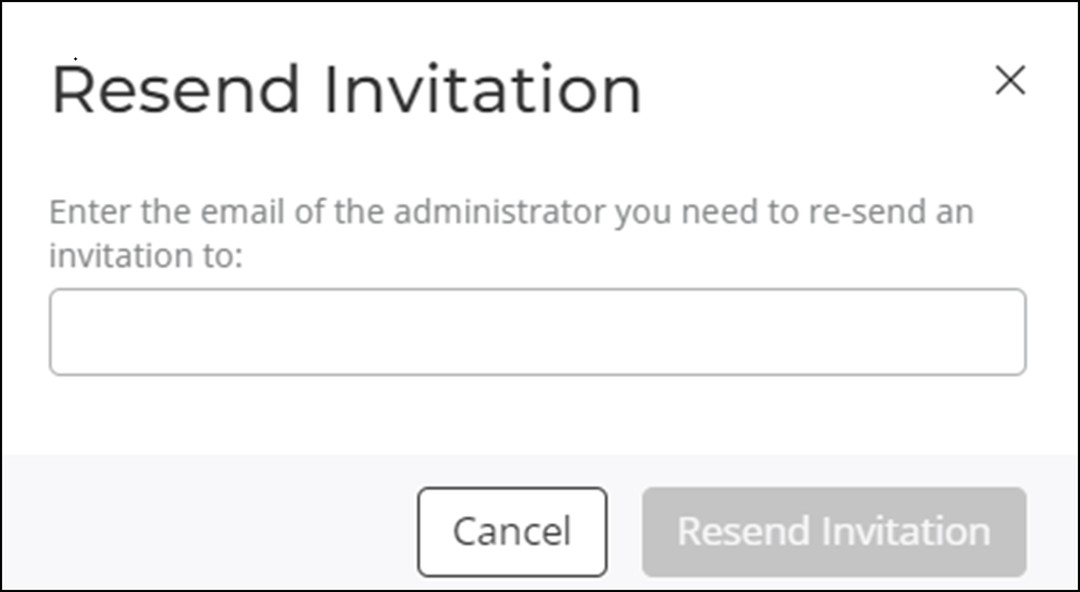
- Enter the email address of the intended administrator.
- Click Resend Invitation.