Enforcing a Configuration Template
When a template is enforced, all the
instances (created before or after enforcement) adhere to the enforcement settings.
When an
instance is enforced, the configuration service blocks direct changes from the MSP
EC
tenants and allows only template synchronization from the MSP tenant.
- In the navigation bar, select .
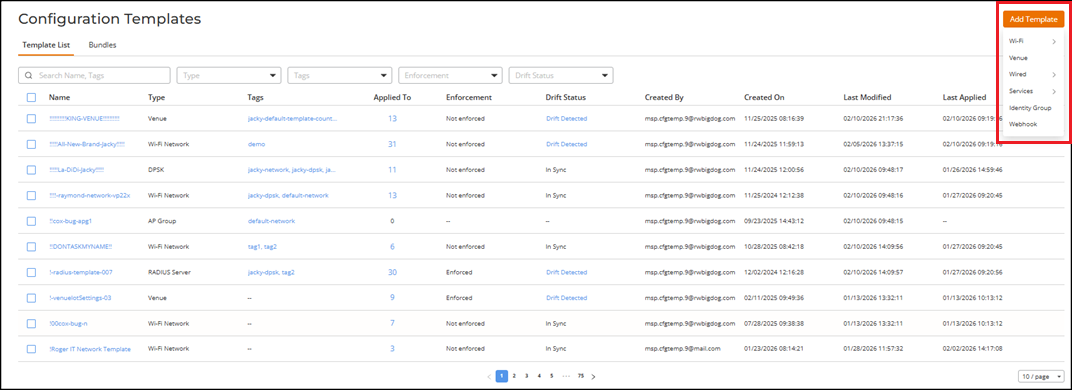
- On the Configuration Templates page, click Add Template.
- Select a template type. The Enforce template configuration is supported for the following template types:
- Follow the on-screen instructions to complete the configuration.
- Toggle the Enforce template configuration switch on to ensure that all direct changes on template-activated elements are blocked to enforce compliance with the template configuration.
- Click Add.