Editing an MSP Customer Portal
You can edit the MSP customer
portal.
- From the navigation bar, click Portal Settings.
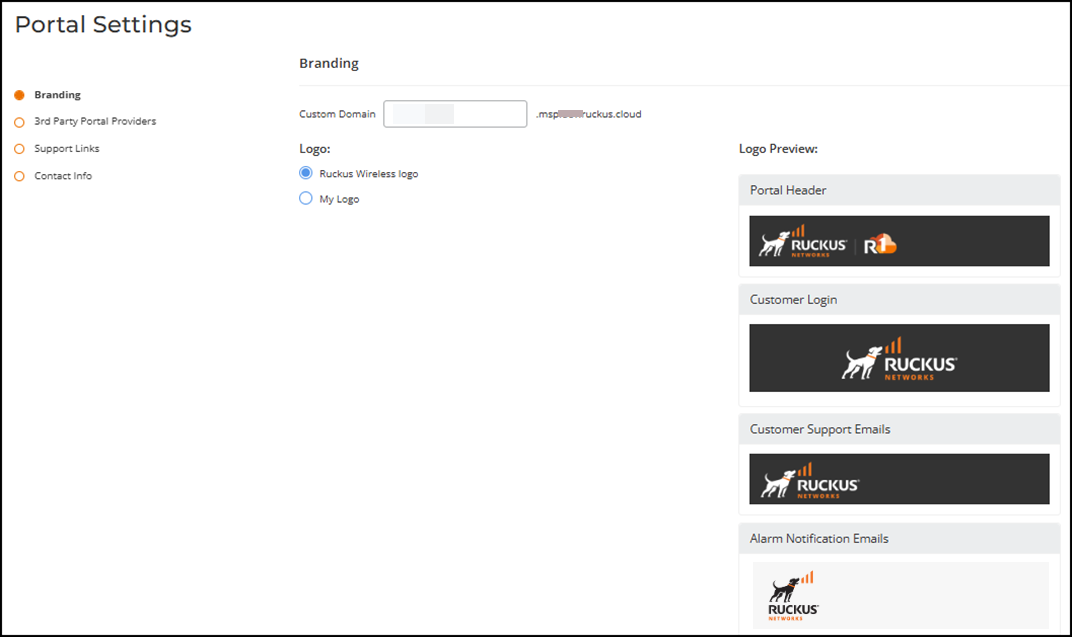
- In the Branding page, edit the domain, change or remove the header logos as needed, and click Next.
- In the 3rd Party Portal Providers page, change the portal provider, and click Next.
- In the Support Links page, modify the support links and their behaviors, and click Next.
- In the Contact Info page, edit the contact information as needed, and click Save.