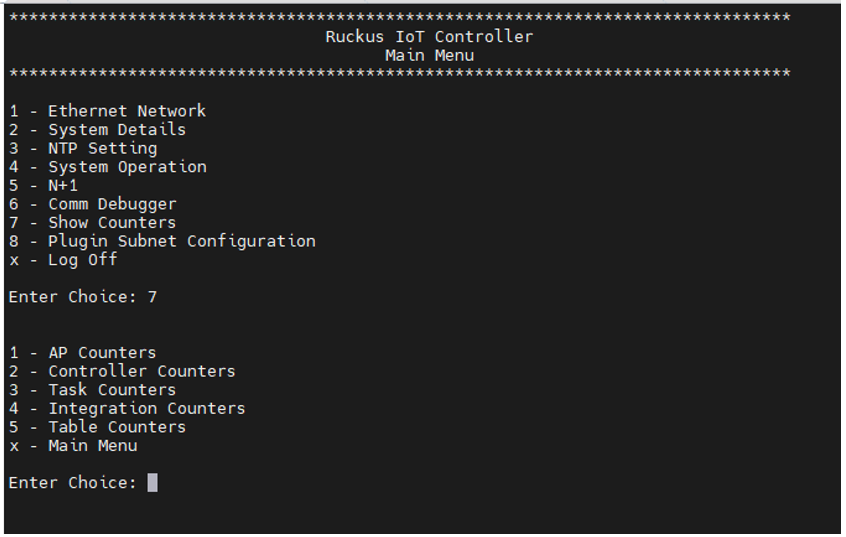
Viewing Counters on the Controller Menu
The feature Show Counters allows you to
view the information about AP based statics, Controller based statics, and Celery
and
Beacons Statics etc.
- Log in to the console of the RUCKUS IoT Controller using the username "admin" and password "admin".
- Enter 7
in the Enter Choice field.The below table lists the counters, and their usages.You can enter the corresponding choice as per your requirement in the choice field at the CLI prompt.
List of Counters
- For example, to view the
information about the AP based statics such as count of IoT service restarts,
Dongle swap event count, IoT application upgraded count, and IoT Radio Mode
change, enter 1 in the Enter
Choice field and the the Gateway MAC address.You must enter the Gateway MAC address for AP Counters, Task Counters and Integration Counters.