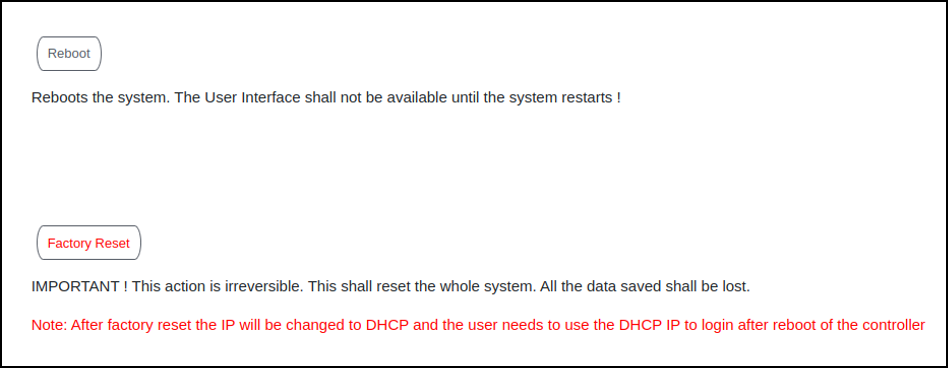
Rebooting RUCKUS IoT ControllerIf the RUCKUS IoT Controller is experiencing an issue, attempt a reboot to resolve the issue. Complete the following steps to reboot the RUCKUS IoT Controller. From the main menu, click Admin. In the left navigation pane, click Reset & Reboot. Rebooting RUCKUS IoT Controller Click Reboot. Parent topic: Managing IoT Controller System Configuration