Activating and Editing the Soter Plugin
The RUCKUS IoT Controller provides
support for the Soter plugin. The Soter Sensor must have IoT Controller MQTT Broker
details
for the Soter Sensor MQTT Client to connect and transmit data.
- From the main menu, click Admin.
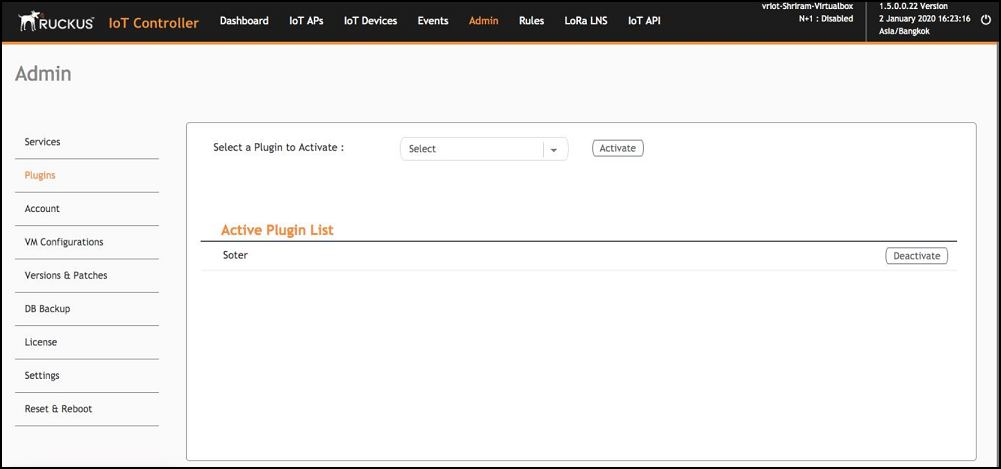
- In the left navigation pane, click Plugins.
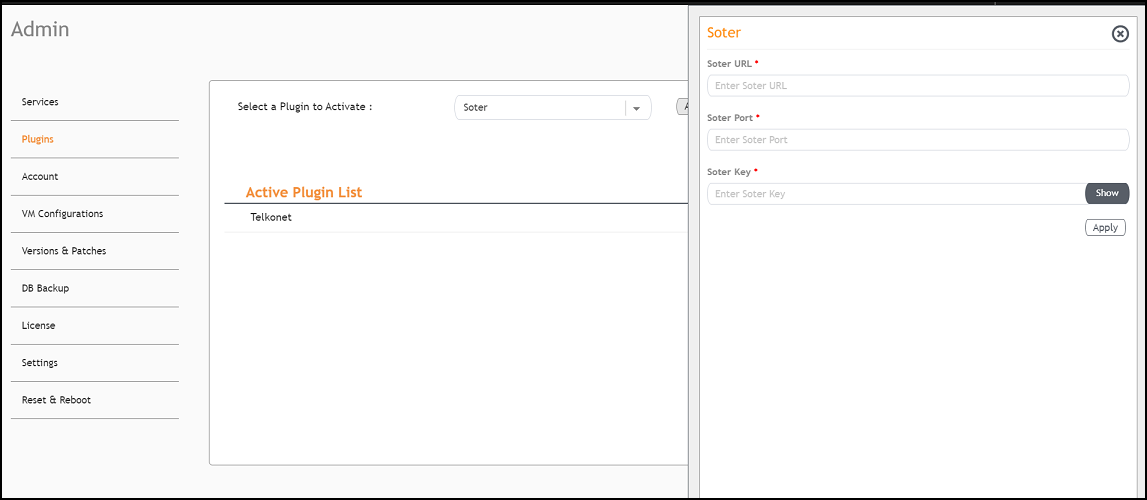
- In the Select a Plugin to Activate list, select the Soter plugin and click Activate.
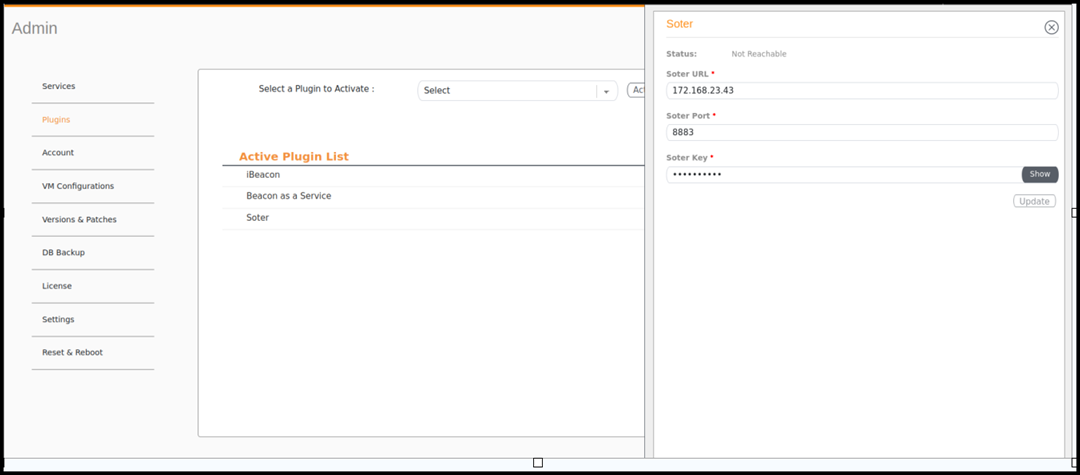
- After the Soter plugin is activated, enter the following configuration parameters.
- Click Apply.
- To deactivate the Soter plugin, select it and click Deactivate.
- To edit the configuration of the Soter plugin, select it and click Update.