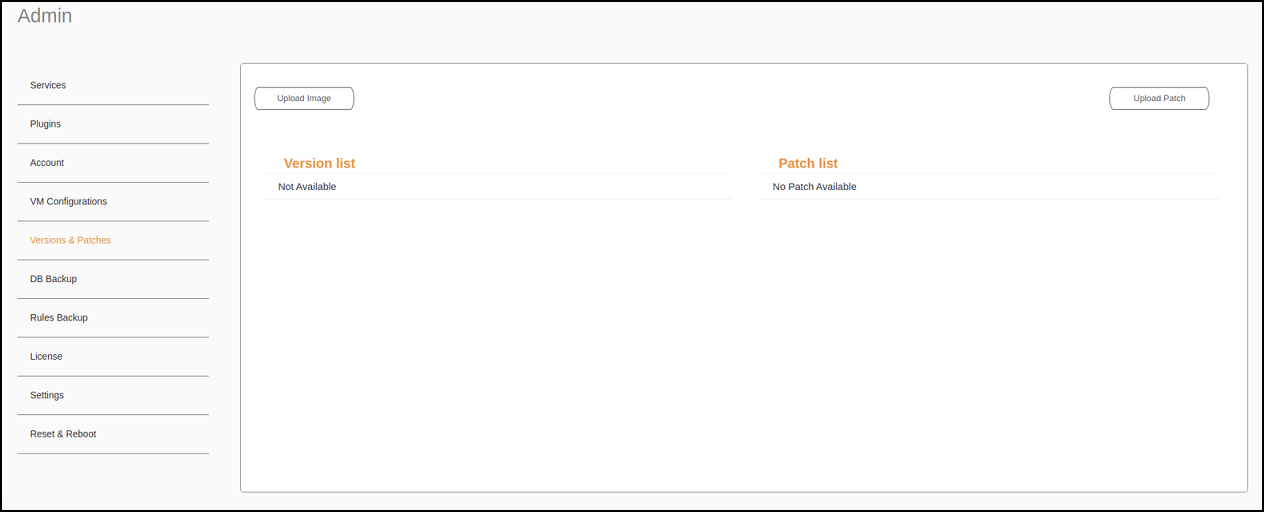
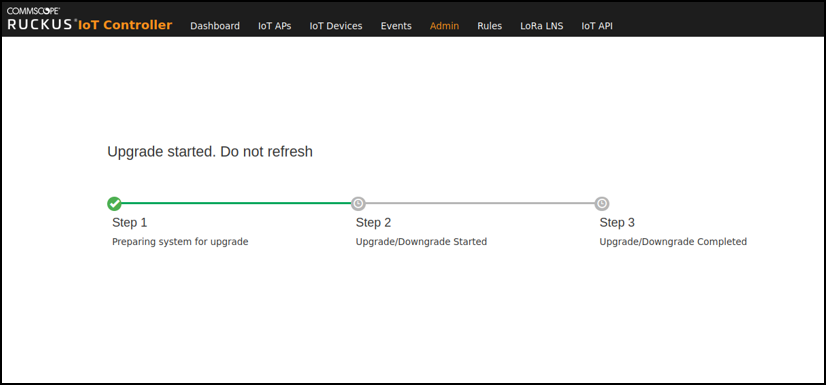
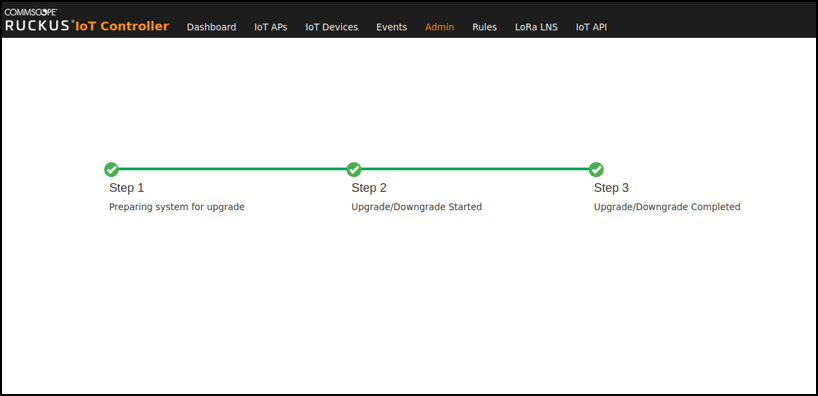
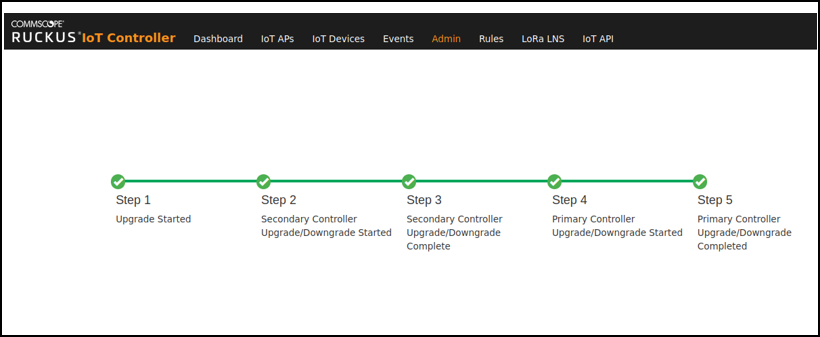
Uploading an ImageRUCKUS sends periodic notifications by email regarding new versions of the RUCKUS IoT Controller. From the main menu, click Admin. In the left navigation pane, click Version & Patches. Uploading an Image Click Upload Image to upload the upgrade package. The new version is listed in the Version list. Select the latest version to upgrade and click Set. To remove a version, select it and click Delete. Initating the Upgrade ProcessCompleting the Upgrade Process Parent topic: Uploading Versions and Patches Upgrade N+1 RUCKUS IoT Controller From the main menu, click Admin. In the left navigation pane, click Version & Patches.From the version list select the latest version to upgrade and click Set. N+1 Upgrade Started N+1 Upgrade Completed
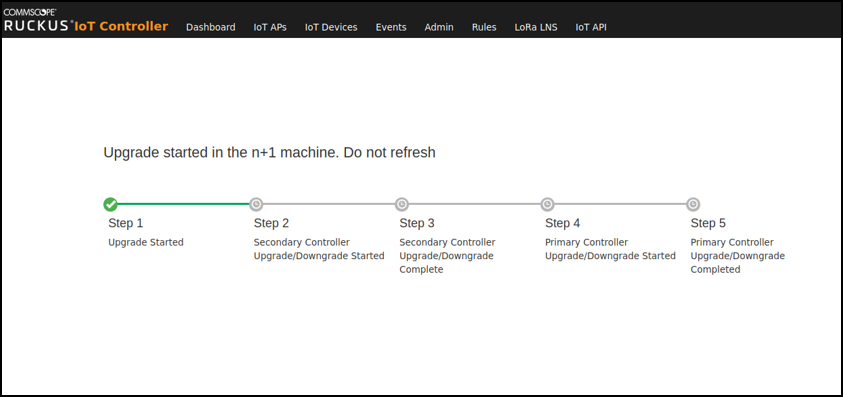
Upgrade N+1 RUCKUS IoT Controller From the main menu, click Admin. In the left navigation pane, click Version & Patches.From the version list select the latest version to upgrade and click Set. N+1 Upgrade Started N+1 Upgrade Completed