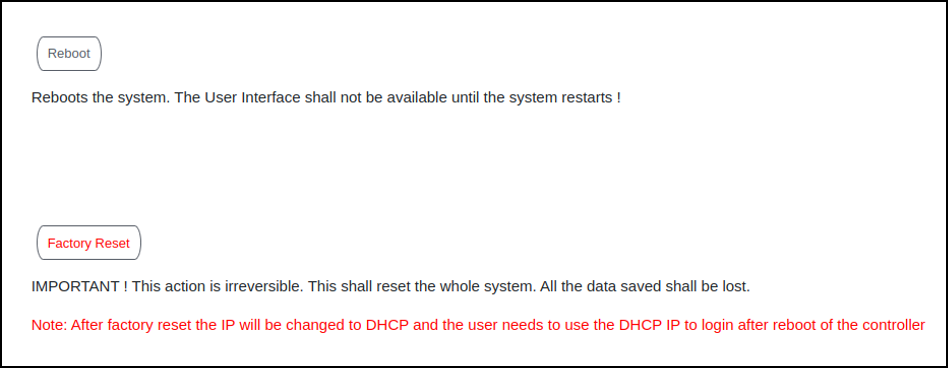
Resetting RUCKUS IoT ControllerTo remove all of the settings that are configured on the RUCKUS IoT Controller, reset it to the factory default settings. Complete the following steps to reset the RUCKUS IoT Controller to its factory default settings. Caution: Performing the reset action is irreversible. From the main menu, click Admin. In the left navigation pane, click Reset & Reboot. Resetting RUCKUS IoT Controller Click Factory Reset. Parent topic: Managing IoT Controller System Configuration