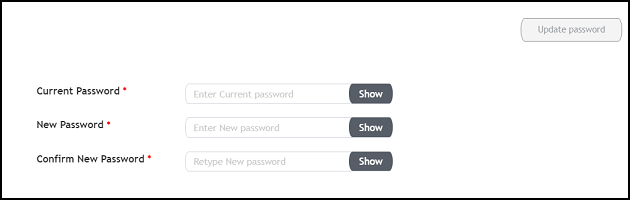
Changing the PasswordA single administrator is responsible for creating a RUCKUS IoT Controller account. This administrator manages system operations. To change the password, the administrator must perform the following steps. From the main menu, click Admin. In the left navigation pane, click Account. Changing the Password Change the password and click Update password. Parent topic: Managing IoT Controller System Configuration