Devices Overview
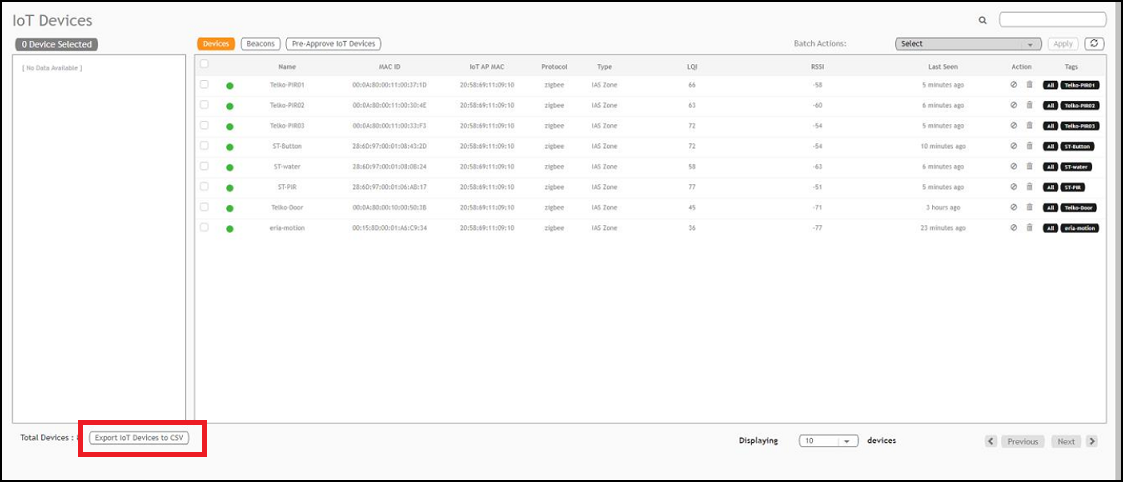
To add devices to the RUCKUS IoT Controller or to view the beacons for an AP, from the main menu, click IoT Devices.
The IoT Devices page shows the following items:
A list of devices
The operations on devices (such as remove, blacklist, and device-specific operations)
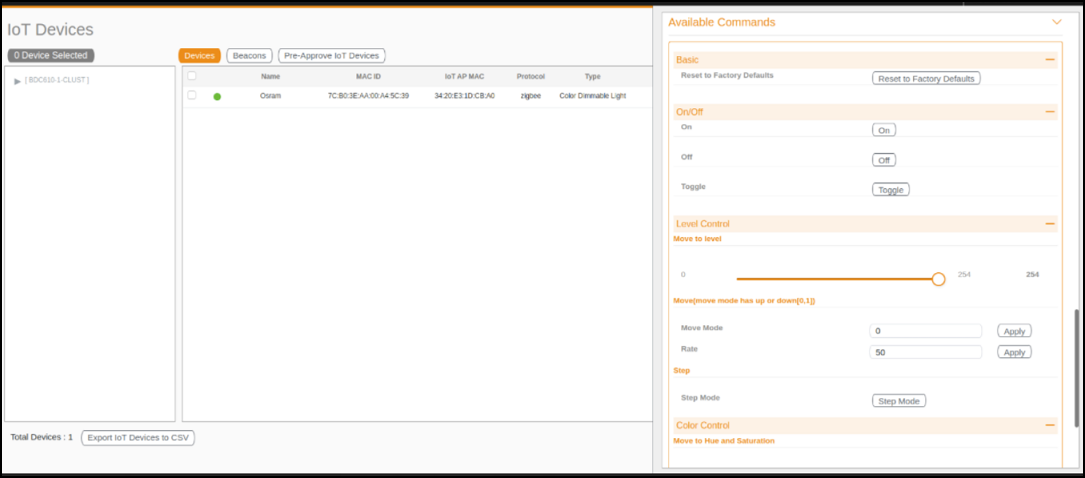
The device scan operation must be performed to start the device discovery process on the gateway.
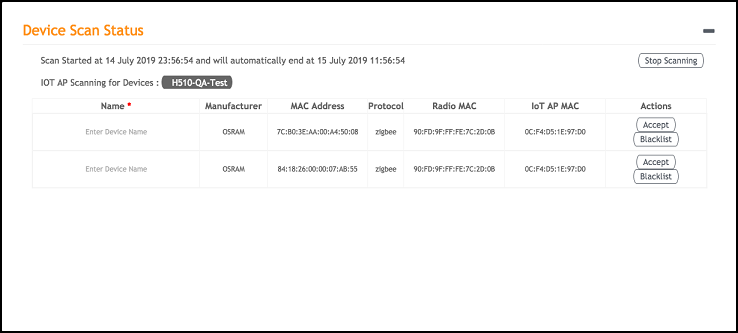
Upon starting device discovery, a dialog box is displayed, as shown in the following figure.
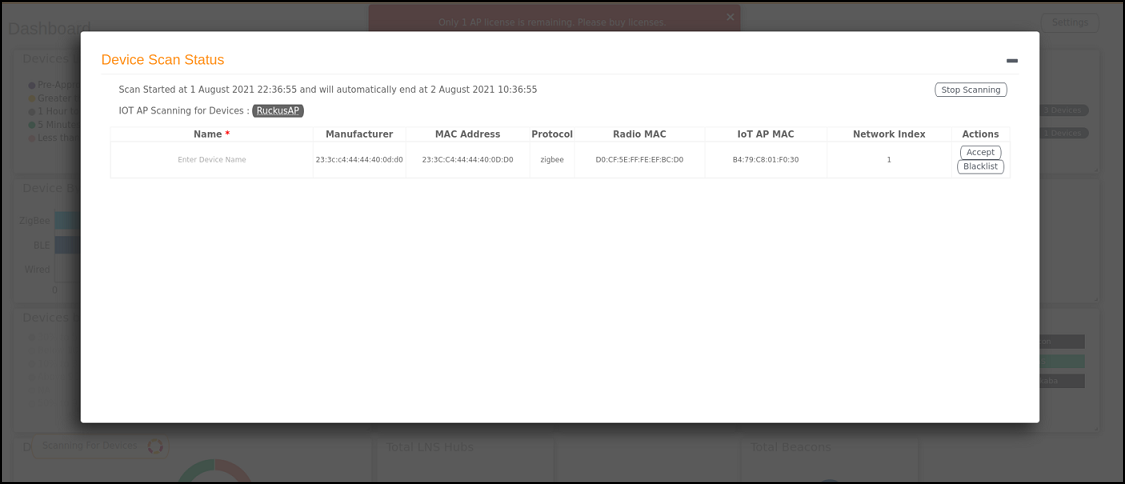
A device gets added to the RUCKUS IoT Controller through Discover IoT Devices operations. If a device is pre-approved, the discovered device automatically joins the list of discovered devices. If the discovered device is not pre-approved, then you must select Accept or Blacklist. If the device is accepted, it joins the list of discovered devices.
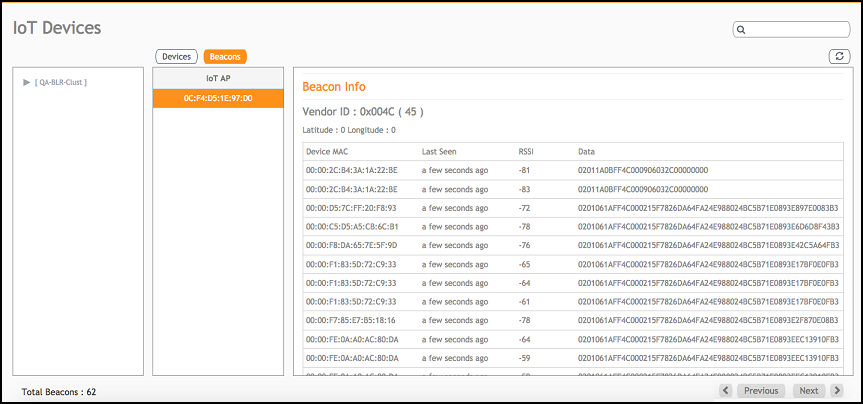
The Beacons page shows the list of beacons for the selected AP.
The Export IoT Devices to CSV will allow to download all the Devices in the IoT devices page and corresponding information into a CSV format file which can be saved.