Enabling BaaS Major and Minor Number
BaaS is enabled only when the BaaS plugin
is activated.
- From the main menu, click IoT
APs.A list of selected IoT APs is displayed.
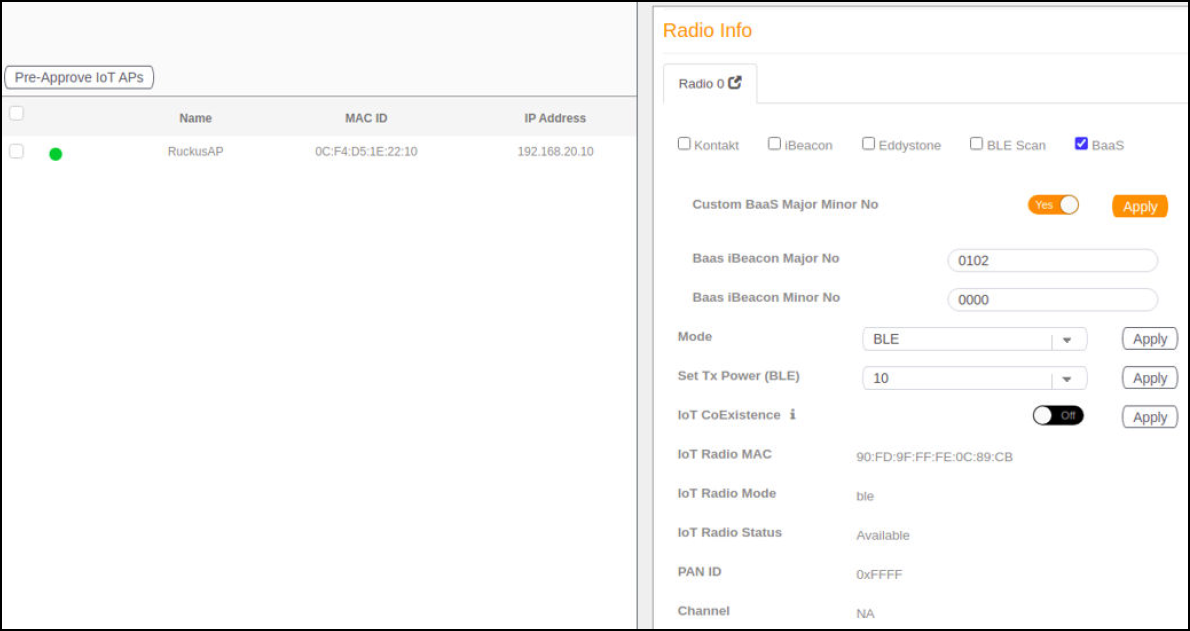
- Click an IoT AP, and update the fields BAAS iBeacon Major No and BAAS iBeacon Minor No in AP sidebar.
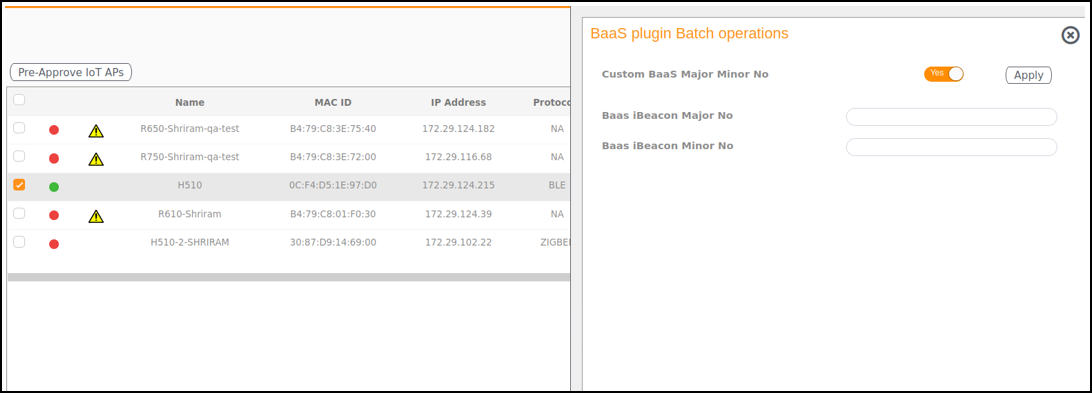
- Select Batch BaaS
operation from the Batch Actions
list.Note: You can select one or more APs to add tags.
- To update for more than single IoT AP, update Baas iBeacon Major No and Baas iBeacon Minor No from sidebar.